Cómo ver y gestionar todas tus suscripciones (Guía 2026)
Las encuestas demuestran sistemáticamente que la gente subestima su gasto en suscripciones por un amplio margen: pruebas olvidadas, servicios duplicados y aumentos de precio silenciosos se suman. Esta guía es el barrido sistemático: cómo sacar a la luz cada cargo recurrente que pagas, decidir qué conservar y gestionar lo que mantienes para que nada te sorprenda de nuevo.
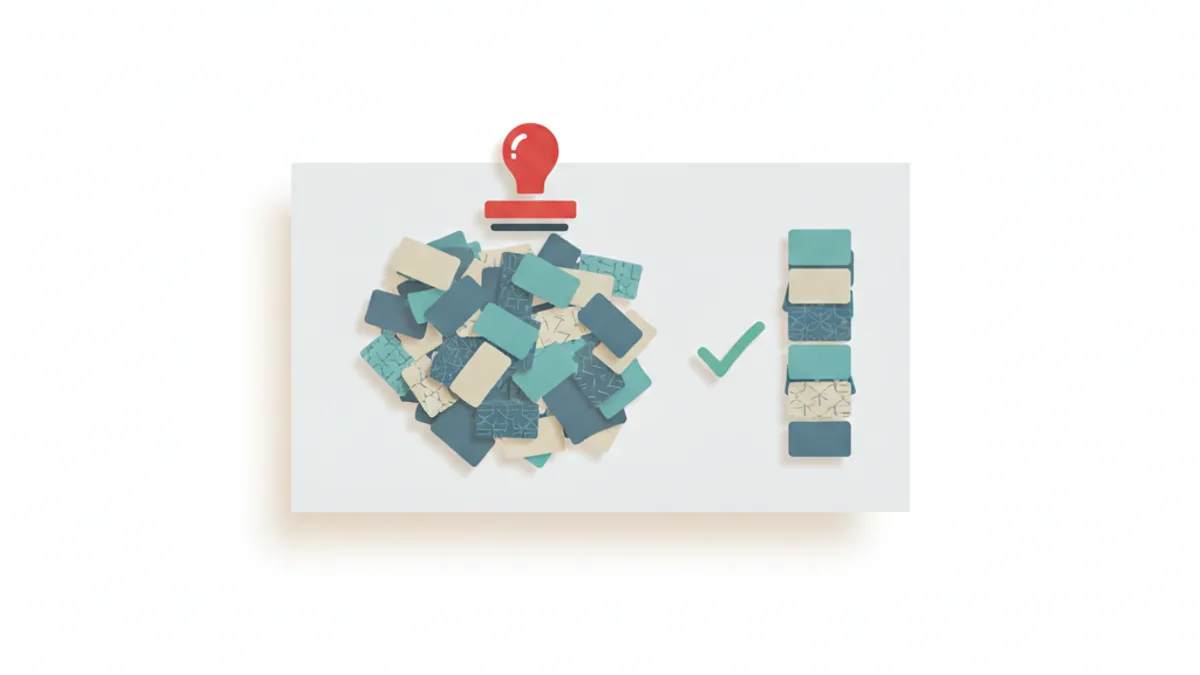
Para encontrar todas tus suscripciones: busca en extractos bancarios y de tarjetas de 3 a 6 meses los cargos que se repiten, revisa el gestor de suscripciones de tu teléfono (App Store / Google Play), busca en tu correo electrónico "recibo", "renovación" y "tu suscripción", y verifica los pagos recurrentes de PayPal/Amazon. Cancela lo que no uses, luego gestiona el resto con recordatorios previos a la renovación, y para las suscripciones de comerciantes, utiliza el portal de clientes de la tienda para saltar, pausar o cambiar la frecuencia en lugar de cancelar por completo.
Por qué las suscripciones se vuelven invisibles
Tres mecanismos hacen que los cargos recurrentes desaparezcan de nuestra conciencia: pequeñas cantidades repartidas en varias tarjetas, renovaciones anuales que solo aparecen una vez al año y pruebas gratuitas que se convierten silenciosamente. Ninguno de ellos requiere que nadie actúe mal: el pago automático es conveniente precisamente porque no te pregunta cada vez. La solución es un barrido periódico, no una vigilancia constante.
El barrido completo, canal por canal
Los extractos bancarios y de tarjetas son la verdad fundamental: todo llega a ellos eventualmente. Exporta de 3 a 6 meses (los cargos anuales se esconden fuera de una ventana de 30 días) y marca las cantidades que se repiten. La mayoría de las aplicaciones bancarias ahora etiquetan a los comerciantes recurrentes por ti.
Los gestores de suscripciones del teléfono capturan la facturación de la tienda de aplicaciones: en iPhone, Ajustes → tu nombre → Suscripciones; en Android, Google Play → icono de perfil → Pagos y suscripciones → Suscripciones. Ambos muestran los elementos activos, caducados y próximos a renovar con cancelación con un solo toque.
La búsqueda de correo electrónico captura los servicios de facturación directa: busca "recibo", "renovación", "factura" y "prueba finalizando". Ordena por remitente para agrupar por servicio.
Plataformas de pago: la página de Pagos Automáticos de PayPal lista cada comerciante con permiso permanente para cobrarte; Amazon tiene Suscríbete y Ahorra más suscripciones digitales; revisa cualquier aplicación BNPL para planes activos.
Cancela, degrada — o ajusta en su lugar
Para cada suscripción que encuentres, tres opciones honestas:
- Cancela cualquier cosa sin usar durante más de 60 días. La cancelación debe estar disponible dentro del producto para las suscripciones de tiendas de aplicaciones y la mayoría de los servicios de buena reputación; un servicio que dificulta la cancelación te ha dicho lo que piensa de ti.
- Degrada o anualiza lo que conserves; los planes anuales suelen ser un 15-20% más baratos, y los niveles familiares/dúo absorben duplicados.
- Ajusta en lugar de cancelar las suscripciones de productos. Si se te está acumulando una caja de café o suplementos, el portal de clientes de la tienda casi siempre ofrece la opción de saltar, pausar o un intervalo de entrega más largo, manteniendo el descuento sin el excedente.
Esa última opción existe porque las tiendas bien gestionadas prefieren ajustar tu calendario a perderte; la perspectiva del comerciante sobre esto se cubre en nuestro desglose de motivos de cancelación.
Cómo mantenerlas gestionadas en el futuro
- Pon cada fecha de renovación en tu calendario con un recordatorio 3-5 días antes, especialmente las renovaciones anuales.
- Dirige las suscripciones a una sola tarjeta para que los futuros barridos tarden minutos.
- Vuelve a realizar el barrido de extractos dos veces al año; nuevos "zombies" se acumulan silenciosamente.
- Antes de cualquier prueba gratuita, establece un recordatorio para el día anterior a la conversión.
Si tienes una tienda: sé la suscripción que la gente conserva
Comerciantes que lean esto: sus suscriptores realizan este mismo barrido, y lo superan siendo visiblemente dignos de mantener. Las notificaciones previas a la renovación, un portal de autoservicio honesto (saltar, pausar, cambiar, cancelar sin fricción) y el valor por ciclo son lo que separa la suscripción conservada de la cancelada; los sistemas de retención detrás de esto se cubren en cómo reducir la rotación.
Preguntas frecuentes
¿Cómo puedo ver todas mis suscripciones?
Combina cuatro fuentes: 3-6 meses de extractos bancarios/de tarjeta (marca las cantidades que se repiten), el gestor de suscripciones de tu teléfono (Ajustes de iPhone → Suscripciones; Google Play → Pagos y suscripciones), una búsqueda en el correo electrónico de "recibo"/"renovación"/"prueba finalizando", y plataformas de pago como la página de Pagos Automáticos de PayPal y Suscríbete y Ahorra de Amazon.
¿Cómo encuentro suscripciones que olvidé?
Los extractos eventualmente capturan todo: exporta al menos seis meses para que aparezcan las renovaciones anuales y busca cantidades idénticas que se repitan en un calendario. La búsqueda de correo electrónico detecta servicios que facturan a través de su propia pasarela de pago en lugar de una tienda de aplicaciones.
¿Cómo evito que las suscripciones me cobren?
Cancela dentro del servicio o del gestor de suscripciones de tu teléfono, y para los comerciantes con facturación directa, utiliza su portal de cuenta o soporte. Revocar una tarjeta es un último recurso: la deuda puede persistir y el comerciante puede intentar el cobro de nuevo; la cancelación formal es más limpia.
¿Debo cancelar una suscripción de producto si tengo demasiado producto?
Verifica primero el portal de la tienda: la mayoría de las suscripciones de productos te permiten saltar una entrega, pausar o extender el calendario (por ejemplo, cada 6 semanas en lugar de 4) mientras mantienes tu descuento de suscriptor. Cancelar implica renunciar al descuento por un problema que una omisión resuelve.
Mo Boumzoud — Founder, RecurX. Mo is the founder of RecurX and writes about subscription commerce, retention, and growth for Shopify merchants. RecurX powers subscriptions for direct-to-consumer brands.
Sigue leyendo
- Las 9 razones de cancelación de suscripciones (y la solución para cada una)Los suscriptores rara vez cancelan porque odian tu producto. Cancelan por nueve razones específicas, en su mayoría solucionables —aquí tienes cada una, con qué frecuencia aparece y la estrategia de retención que la aborda.
- Suscripción vs. Membresía: ¿Cuál es la diferencia (y cuál vender)?Tanto las suscripciones como las membresías se facturan según un calendario, pero venden cosas diferentes: producto versus pertenencia. Aquí tienes la diferencia práctica y cómo elegirlas (o combinarlas).
- Planes de suscripción anuales vs. mensuales: Guía de estrategia para comerciantes ShopifyLos planes anuales reducen la rotación al eliminar la decisión mensual de cancelar, generan una entrada de efectivo considerable y aumentan el LTV, pero solo si los tarifas correctamente y gestionas los reembolsos de forma impecable. Aquí te mostramos cómo decidir y ejecutar.
Empieza a hacer crecer tus ingresos recurrentes en Shopify
RecurX tiene una prueba gratis de 14 días y cero comisiones por transacción en todos los planes. Instálala en minutos.
Empieza tu prueba gratis →