How to Set Up Recurring Payments on Shopify
Learn how to set up recurring payments on Shopify the right way. Covers gateways, tokenization, dunning, retries, and monitoring MRR and churn.
Learn how to set up recurring payments on Shopify the right way. Covers gateways, tokenization, dunning, retries, and monitoring MRR and churn.
You've installed a Shopify subscription app, added a “Subscribe and save” option, and watched the first orders arrive. The dashboard looks healthy because the initial checkout succeeded. Then the next billing cycle brings expired cards, issuer declines, authentication requests, and customers who never see a usable update link. Orders stop without a warning, and the lost revenue appears later as unexplained churn.
Learning how to set up recurring payments means building more than a billing schedule. You need a gateway that can process future merchant-initiated charges, a tokenization flow that preserves the customer's payment authorization, and a recovery system that knows what to do when the first charge fails. The setup below focuses on the production details that decide whether subscriptions keep billing after launch.
Table of Contents
- Why Most Recurring Payment Setups Break After Launch
- Lock In Gateway, Billing Model, and Authorization Before You Build
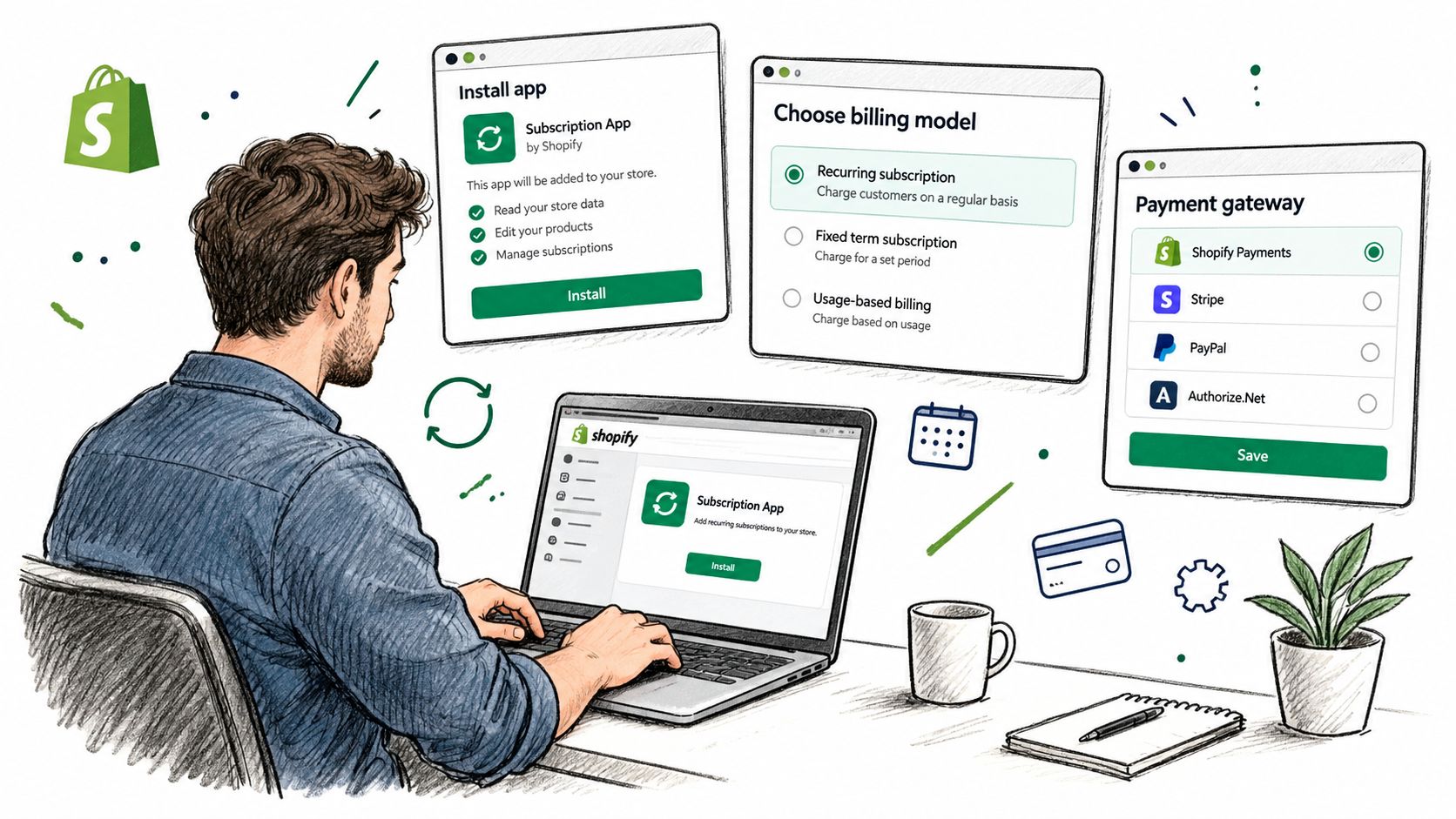
- Configure the Subscription App on Your Store
- Set Up Tokenization and Webhooks the Right Way
- Design Decline-Aware Retries and Dunning
- Reduce Involuntary Churn With Self-Serve Tools
- Monitor MRR, Churn, and Recovery After Launch
Why Most Recurring Payment Setups Break After Launch
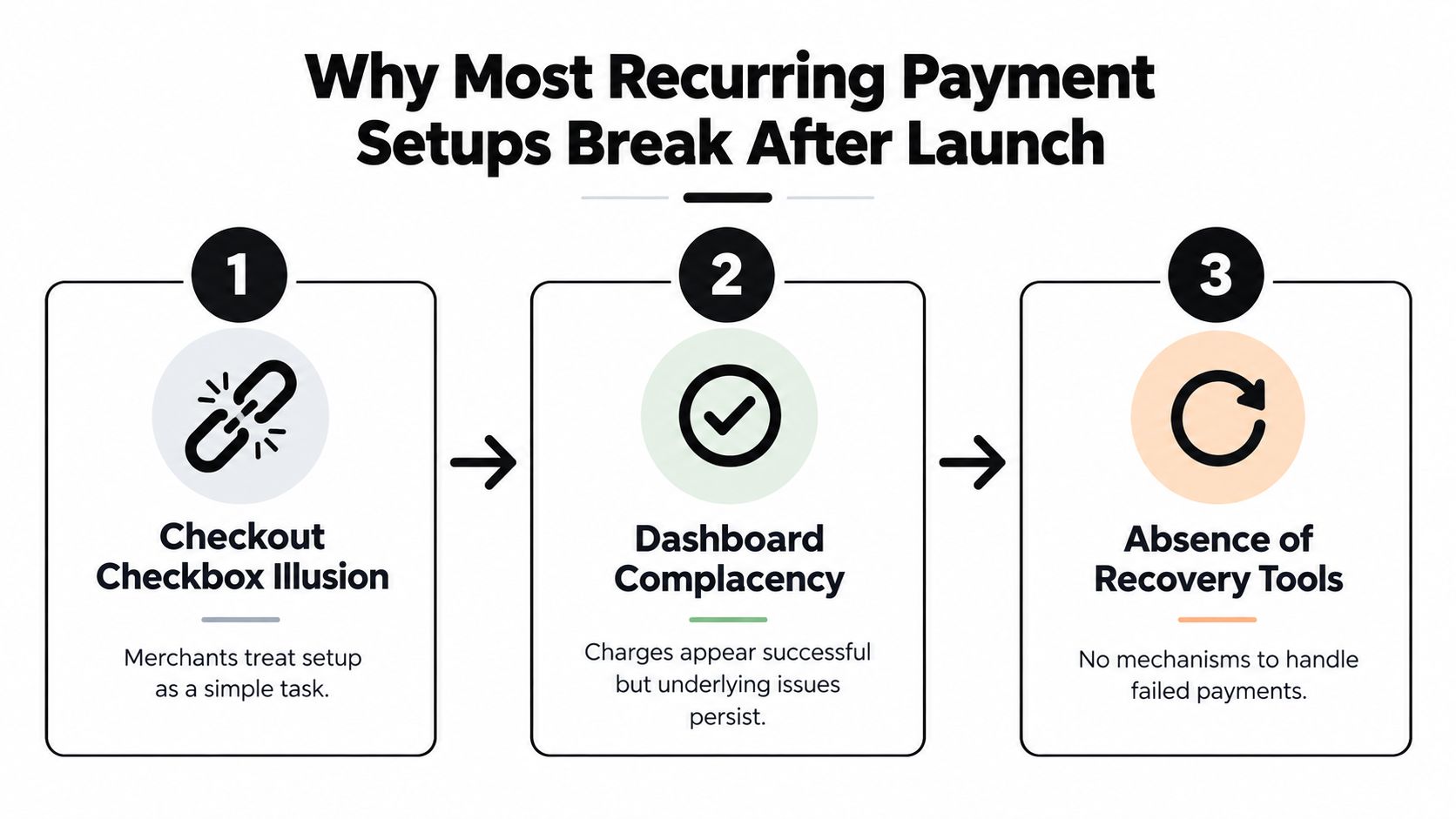
Many Shopify merchants treat recurring billing as a checkout feature. They install an app, attach a selling plan, confirm that a customer and an order appear, and assume the difficult work is finished. That approach works for the first transaction, but the second and third cycles expose the gaps.
The first gap sits between billing cycles. A future charge usually relies on a stored payment reference rather than a merchant handling the card number again. The gateway must recognize that the customer authorized the original relationship and process later charges as merchant-initiated transactions. Cards can expire, be reissued, or trigger issuer fraud controls, and Shopify's standard order view won't show every reason a tokenized off-session charge failed.
The second gap is what happens after a decline. A fixed batch that retries every failed card at the same time treats insufficient funds, authentication-required responses, and permanently unusable cards as if they were identical. Industry guidance recommends decline-aware retry logic, with practical recovery windows of 7–14 days for soft declines and no retries for hard declines. A commonly recommended sequence is day 1, day 3, day 7, and day 14, followed by cancellation review only after that recovery window closes. See the recurring payment guidance on decline-aware retries for the reasoning behind this approach.
The four decisions that matter in production
Before you judge the setup by its first successful order, verify four things:
- Gateway fit: Confirm that the processor supports future merchant-initiated transactions, stored credentials, and the required authentication exemptions.
- Token ownership: Establish whether Shopify, the subscription app, or the gateway vault owns the payment-method reference.
- Retry policy: Map decline categories to different retry actions and windows instead of sending every failure into one queue.
- Recovery tooling: Give customers a direct way to update payment details, while exposing pause, skip, and cancellation controls in the portal.
A dashboard can show that a charge was created. It can't always show whether the stored credential is eligible for the next cycle or whether a rejected charge will ever recover. That's why churn reduction for subscription merchants depends on payment operations as much as on product and lifecycle marketing.
Lock In Gateway, Billing Model, and Authorization Before You Build
Choose the payment architecture before you install an app. Shopify Payments, Stripe, Adyen, and Braintree can all support recurring use cases, but their handling of off-session merchant-initiated transactions, stored credentials, authentication exemptions, and account updates differs. Your app can create a subscription contract correctly and still fail if the gateway can't process that contract's future charges under the expected transaction flow.
Ask the gateway one direct question: what happens when the customer's initial, cardholder-initiated payment succeeds but a later off-session charge requires authentication? If the processor repeatedly forces a customer back through checkout, your “automatic” billing model becomes a manual recovery process.
Write the commercial rules first
Decide whether the plan is prepaid or postpaid, whether billing follows a fixed calendar date or the customer's anniversary date, and how upgrades are prorated. Shopify merchants often discover proration problems when a customer changes plans halfway through a cycle. The technical implementation may be valid, but an unclear credit or charge creates disputes and support work.
Your checkout and receipts should state the price, billing frequency, renewal terms, and cancellation conditions clearly. The recurring-payment flow should also record the customer's authorization and make the merchant of record clear enough for chargeback review and tax operations. Guidance on recurring payment infrastructure emphasizes explicit authorization, secure payment-information storage, authorization checks, and execution at each billing cycle. The Stripe recurring payments documentation provides a useful reference for these implementation requirements.
Compare the gateway responsibilities
| Gateway | Off-Session MIT Support | Stored Credential Management | 3DS Handling for Recurring |
|---|---|---|---|
| Shopify Payments | Verify support for the required merchant-initiated flow and subscription app | Confirm whether the app and gateway use the same stored payment reference | Check how initial authentication and later challenges are handled |
| Stripe | Confirm the payment method is set up for future off-session use | Verify the correct customer and payment-method relationship | Test when a later charge requires customer authentication |
| Adyen | Confirm recurring contract configuration and merchant-initiated transaction rules | Check token lifecycle, updater support, and migration behavior | Test exemption requests and challenge outcomes |
| Braintree | Confirm vault eligibility for recurring charges | Verify vault ownership and subscription-app compatibility | Test authentication requirements for the initial and later transactions |
Put these decisions in a short implementation document. Include the billing model, authorization copy, token source, webhook events, retry owner, and cancellation behavior. When declines rise, that document gives your developer a reference instead of forcing the team to reconstruct assumptions from app settings.
Configure the Subscription App on Your Store
Once the payment and commercial decisions are fixed, Shopify configuration becomes much more predictable. Use a Shopify-native subscription implementation, such as the Shopify Subscriptions API or a partner app built around it, so products, selling plans, customers, orders, and subscription contracts stay aligned with the store's operating model.
Start with the product, not the widget. Create the subscription product or attach a selling plan to an existing product, then define the billing interval, discount rule, trial behavior, and any prepaid or anchor-date logic. Keep the customer-facing offer simple. A shopper should see the recurring price, the renewal frequency, and what happens after a trial without opening another page.
Show the true economics in the storefront. The widget should render the discounted recurring price, the one-time price if available, the trial end date, and the renewal terms. A hidden or ambiguous recurring total creates avoidable complaints, refunds, and failed expectations.
Verify the customer experience
The product page is only one checkpoint. Test the entire path:
- Product selection: Confirm that the subscription option is visible, accessible, and tied to the intended selling plan.
- Cart and checkout: Verify that the recurring total, frequency, trial, and authorization language remain visible.
- Order creation: Check that the order contains the expected subscription relationship.
- Customer portal: Confirm that the next billing date appears, not only the most recent successful charge.
- Fulfillment: Ensure the recurring order enters the same fulfillment and inventory workflows as a normal order.
Use a real card in a controlled live test, because test mode can't expose every off-session behavior. Let the subscription complete at least one later billing cycle, then locate the subscription contract ID in the order timeline or app data. Downstream webhooks, support tools, and reporting should use that stable contract identifier rather than matching customers by email or product title.
A short walkthrough can help your team validate the Shopify-side sequence before customizing themes or automation.
Don't launch until the portal, fulfillment event, payment event, and cancellation state agree with one another. A subscription that looks active in the app but has no usable next billing date is not production-ready.
Set Up Tokenization and Webhooks the Right Way
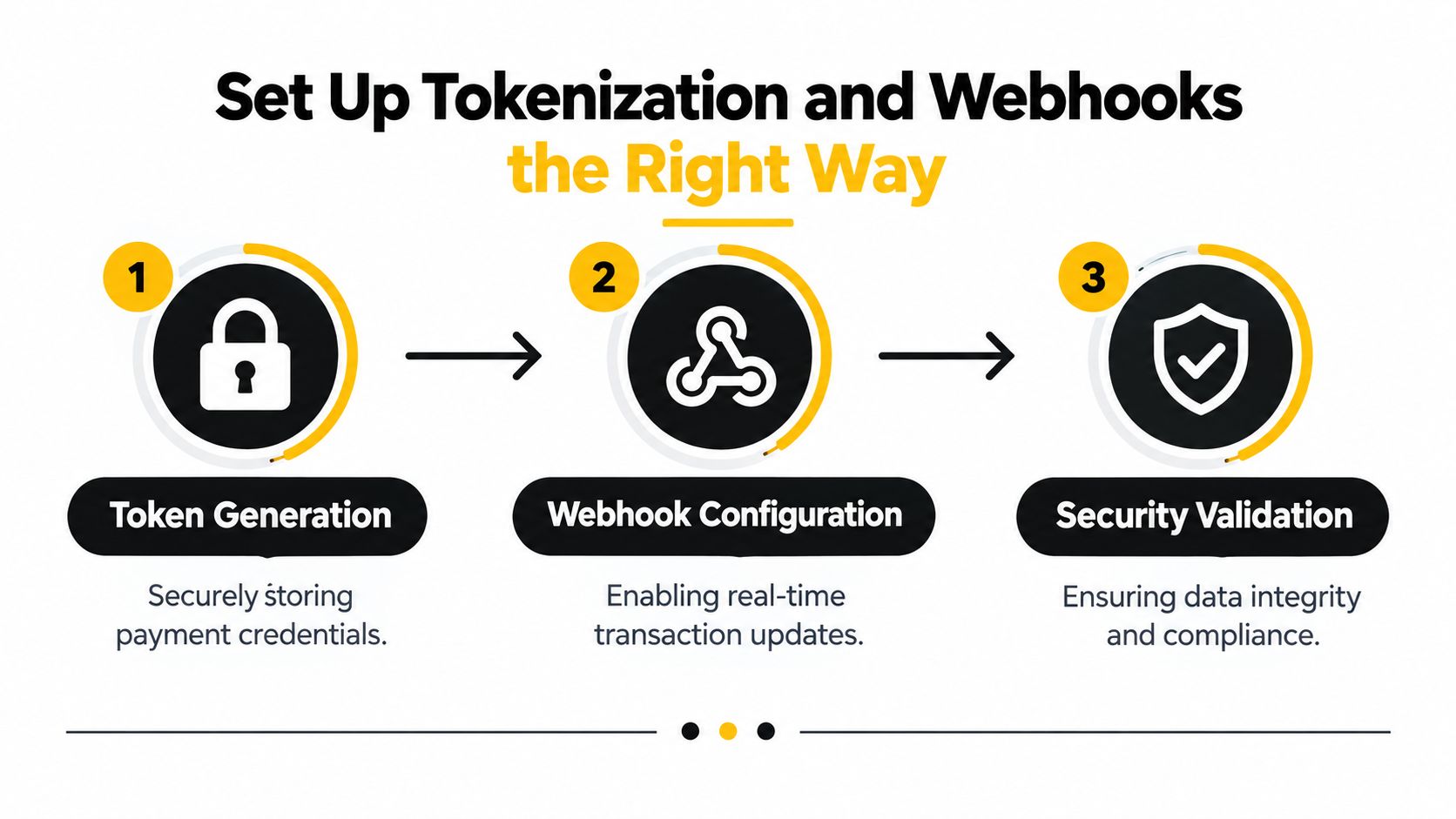
Tokenization lets a payment gateway charge a saved payment method without exposing the raw card number to the merchant. In a Shopify subscription flow, the app or payment provider stores a secure payment-method reference after the initial authorization. Future billing uses that reference, not a new card collection step.
The important question isn't whether the app says “payment method saved.” Confirm what was saved, where it lives, and which system owns the future charge. A production check should cover three areas:
- Lifecycle: Test what happens if the gateway account changes, the app is migrated, or a token is no longer valid.
- Authentication: Verify that the initial payment completes the required authentication and leaves the payment method eligible for future off-session use.
- Consistency: Confirm that each billing cycle charges the same
payment_method_idor equivalent gateway reference rather than creating a new payment method.
Treat webhooks as the payment record
A scheduled charge request doesn't prove that money was collected. Your application should rely on signed gateway events for fulfillment, notifications, subscription status changes, and reconciliation. Typical events include invoice.payment_succeeded, invoice.payment_failed, customer.subscription_updated, and charge.refunded.
Validate every webhook signature with the shared secret, commonly through HMAC verification. Reject a payload that fails validation. Without that check, an attacker or malformed integration could make your system mark an unpaid invoice as paid, release goods, or send a false receipt.
Log the full event JSON, received timestamp, event identifier, and idempotency key. Process each event idempotently, because gateways may deliver the same event again. A useful webhook pipeline records the event first, verifies it, checks whether the identifier was already processed, and only then updates the order or subscription.
Teams that already use event-driven workflows can apply the same discipline to real-time survey data delivery, where signed callbacks and reliable event handling matter for downstream actions. For Shopify-specific integration patterns, document the contract and webhook relationship alongside your Shopify integrations API reference.
Design Decline-Aware Retries and Dunning
A failed renewal is a revenue event that needs classification, not a generic error. Start with the gateway's decline code and separate temporary problems from cards that should be replaced. Retry timing should give a soft decline a chance to recover without repeatedly asking an issuer to reject the same transaction.
For a practical recurring-payment setup, use day 1, day 3, day 7, and day 14 for eligible soft declines, then review cancellation only after the recovery window closes. Industry guidance warns that arbitrary retry intervals can increase declines and add unnecessary transaction fees, while hard declines shouldn't be retried. The exact sequence belongs in the gateway or subscription system, not in a spreadsheet or a midnight batch job.
Dunning messages should run with the retry schedule. The first message can explain that the renewal failed. The next should make the card-update action obvious. The final message should state what happens if payment remains unresolved and when the subscription will be paused or canceled.
Match the response to the decline
| Decline Type | Retry Days | Dunning Email | Target Recovery |
|---|---|---|---|
| Soft decline | Day 1, day 3, day 7, and day 14 | Explain the failed renewal, then provide a payment update link | Measure recovery across the full window |
| Hard decline | No automatic retry | Send an immediate card-update request and explain the subscription status | Recover only after a new payment method is supplied |
| Authentication required | Retry only after the customer completes the required step | Direct the customer to an authenticated update or payment flow | Track successful completion and later off-session approval |
| Repeated generic processor failure | Use the gateway's documented recovery path | Keep the message factual and avoid promising a successful retry | Compare recovery against the decline category |
Benchmark summaries show how much the surrounding workflow matters. Basic email-plus-retry setups recover about 30% of failed payments, standard multi-step workflows recover around 48%, advanced smart-retry systems recover roughly 55–65%, and best-in-class combinations using machine-learning timing, card updater tools, SMS, and in-app messaging can reach about 75% recovery. These figures come from Recurly's retry-logic guidance, and they should be treated as directional benchmarks rather than a promise for your store.
Track failed charges, recovery rate, average days to recovery, and message open and click rates. If repeated attempts fail for the same reason, more retries won't fix the configuration. The failed-payment recovery and subscription dunning guide is useful when turning these rules into an operational sequence.
Reduce Involuntary Churn With Self-Serve Tools
Involuntary churn is the subscription loss caused by payment failure rather than a deliberate cancellation. The most effective merchant-side response is a short path from failure to payment-method update. If the customer must search for support, explain the problem, and wait for an agent, many recoverable subscriptions will lapse.
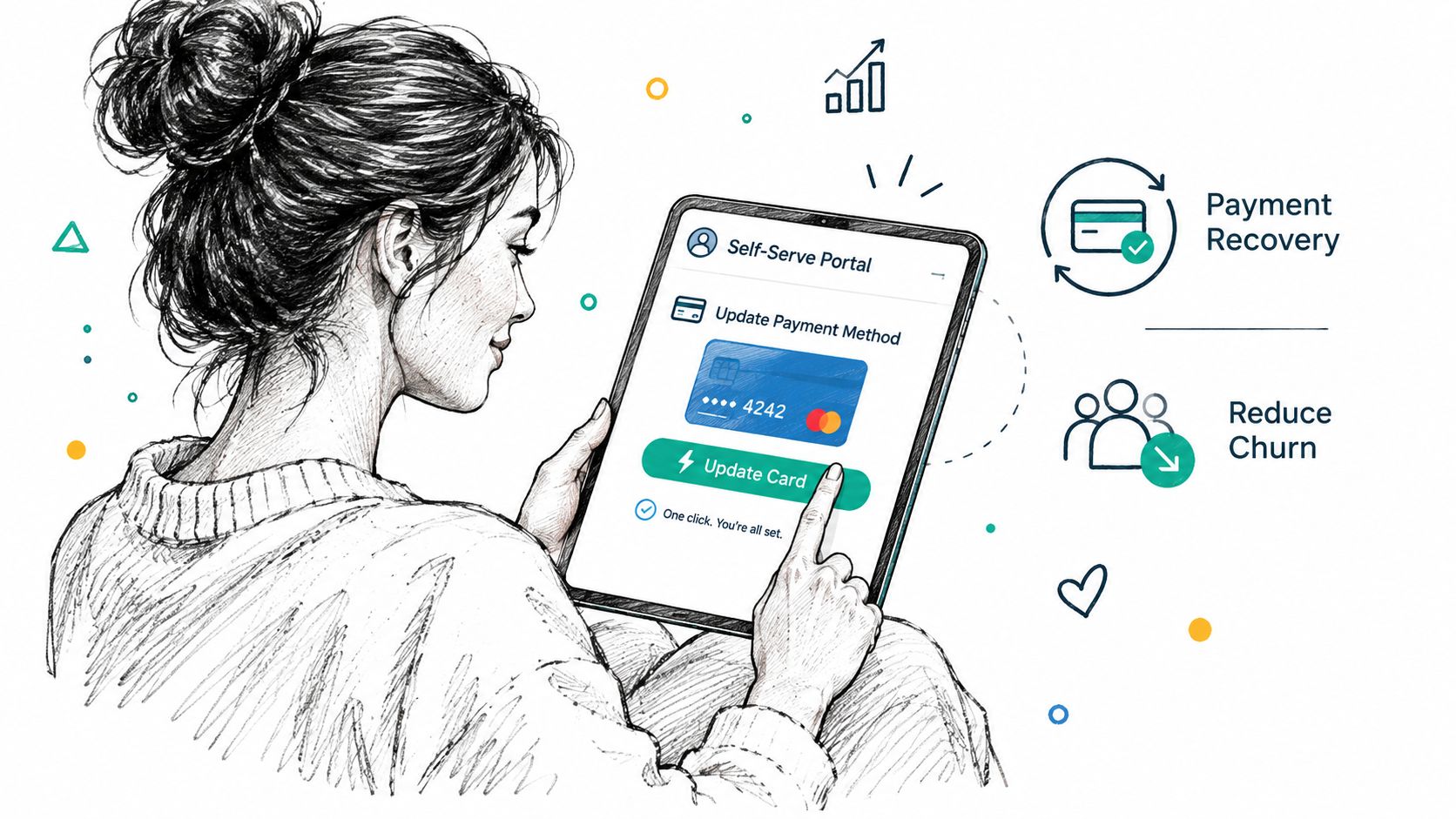
Use a one-click card-update link in every failure email, billing notification, and customer account view. The link should open a hosted form authenticated by a signed token tied to the subscription. After the customer enters a new card, the gateway should tokenize it, attach it to the correct subscription, and allow the next eligible retry to run without manual intervention.
The customer portal should also handle normal subscription changes. Expose the controls that prevent avoidable support tickets:
- Pause: Let customers temporarily stop charges without canceling.
- Skip: Allow a customer to skip a delivery when they have too much stock.
- Swap: Support product or plan changes without forcing a new checkout.
- Change frequency: Give customers a way to move between available intervals.
- Cancel: Make cancellation clear, immediate, and confirm the next billing state.
Remove surprises without hiding the exit
Send a renewal reminder 72 hours before each charge when that timing fits your offer and market. The message should identify the product, amount, renewal date, and portal link. On cancellation, use a one-click confirmation and state whether access or delivery ends immediately or at the end of the current period.
Record cancellation reasons as structured tags. “Too expensive” points toward pricing or packaging. “Forgot to cancel” points toward renewal communication. “Too much product” may call for skip or frequency controls, not a discount.
For a practical implementation focused on Shopify stores, review this guide to recovering failed subscription payments. The right tool is the one that keeps the update link, portal state, payment token, and subscription contract connected.
Monitor MRR, Churn, and Recovery After Launch
The first billing cycle tells you whether checkout works. The following cycles tell you whether the business has a functioning subscription system. Monitor MRR, churn by reason, dunning recovery rate, and average days to recovery from the same reporting layer, then investigate mismatches between Shopify orders, gateway events, and subscription status.
MRR should be separated into new, expansion, contraction, and churn components. A stable headline number can hide a store that is losing existing subscribers while acquiring enough new ones to offset the loss. That split also shows whether plan upgrades, downgrades, refunds, and cancellations are being classified consistently.
Build a failure taxonomy
Group decline reasons into operational categories:
- Insufficient funds: Review the soft-decline window and retry timing.
- Expired or replaced card: Check updater support and the card-update path.
- Authentication required: Confirm that the customer can complete the required step and that the new credential is stored for future off-session use.
- Fraud or permanently unusable card: Stop blind retries and request a new payment method.
Track recovery rate and average days to recovery by category, not only as a blended total. The benchmark guidance cited earlier shows recovery ranging from about 30% for basic email-plus-retry workflows to about 75% for best-in-class multi-channel systems, so a falling rate can indicate a broken link, poor timing, or a gateway configuration issue rather than weak customer demand.
| Metric | Healthy Range | Misconfiguration Threshold | Action |
|---|---|---|---|
| MRR components | Consistent classification of new, expansion, contraction, and churn | Components don't reconcile with orders and gateway events | Reconcile contract, order, invoice, and refund identifiers |
| Churn by reason | Stable mix that reflects customer behavior | A sudden shift toward payment-related reasons | Inspect decline codes, token validity, and updater results |
| Dunning recovery rate | Improving or stable for each decline category | Recovery falls across consecutive monitoring periods | Test retry windows, update links, and message delivery |
| Average days to recovery | Short enough to preserve service and customer intent | Recovery extends beyond the configured recovery window | Review email cadence, portal friction, and authentication flow |
| Message engagement | Customers interact with failure and update messages | Opens or clicks fall while failures remain steady | Check deliverability, copy, and the destination link |
Run a daily health check and alert the team when recovery deteriorates across consecutive days or when one churn reason changes materially week over week. Don't wait for the monthly MRR report. By then, a broken webhook, expired token path, or failed update form may have affected many renewal attempts.
RecurX gives Shopify merchants subscription plans, a customer portal, decline-aware retries, dunning messages, one-click card updates, and recurring billing analytics within the Shopify workflow. If you're fixing failed renewals or migrating from another subscription app, visit RecurX to review how its payment recovery and subscription-management tools fit your store.
recurring payments · Shopify subscriptions · dunning · subscription billing · MRR tracking
Keep reading
- Shopify Subscription Theme Explained and How to ChooseLearn what a Shopify subscription theme is, how it works with apps like RecurX, and how to choose a Shopify subscription theme that converts.
- Shopify Subscription Template Setup Made SimpleLearn how to implement and customize your Shopify subscription template with RecurX widgets, theme matching, and QA tips for higher conversions.
- Subscription Billing Platform Buyer's Guide for ShopifyCompare subscription billing platform options for Shopify. See core features, fees, dunning, and how to pick the right fit for DTC brands.
Start growing recurring revenue on Shopify
RecurX has a free-forever plan and zero transaction fees on every tier. Install in minutes.
Install RecurX free →