Shopify Recurring Payments: How to Accept Them
Yes, Shopify can take recurring payments: a subscription app creates the selling plan, Shopify checkout vaults the customer’s card, and the app bills it on schedule through a supported gateway. This guide covers which gateways qualify, the six setup steps, what it costs, and how to stop or recover a recurring charge — plus Shopify Bill Pay, which is the other thing “recurring payments” means in the admin.
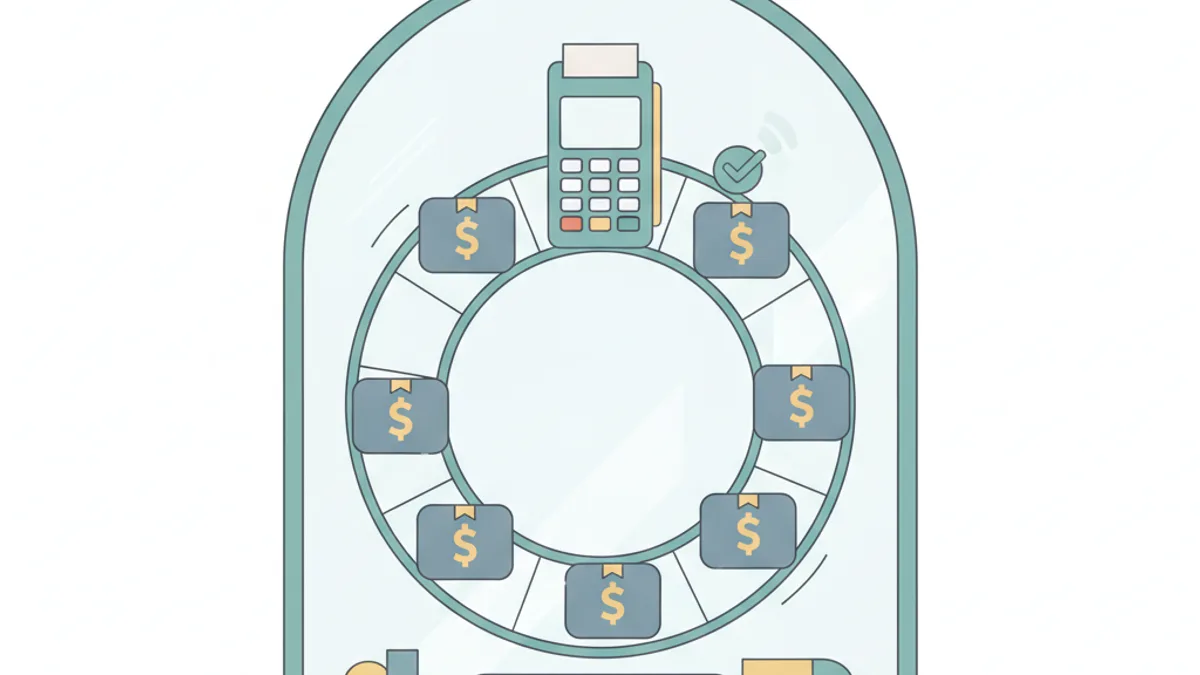
Shopify supports recurring payments through its Subscriptions APIs plus a subscription app. Charges run on supported gateways (Shopify Payments, PayPal Express, Authorize.net, Adyen, Stripe). The app tokenizes the customer’s card and automatically bills it each cycle. RecurX adds recurring billing with zero transaction fees and built-in failed-payment recovery.
What are recurring payments?
A recurring payment is an automatic charge billed to a customer’s saved payment method on a set schedule — weekly, monthly, or yearly — without them re-entering card details each time. On a store, recurring payments power subscriptions: subscribe and save, memberships, prepaid plans, and subscription boxes. The result is predictable monthly recurring revenue instead of one-off sales.
Three things “Shopify recurring payments” can mean
The phrase covers three different jobs in a Shopify store, and the search results mix them together. Check which one you need before following any setup guide:
| You want to… | What Shopify calls it | Where it lives |
|---|---|---|
| Charge customers automatically for subscriptions | Subscriptions (selling plans + subscription contracts) | A subscription app — Shopify’s free Subscriptions app or a third-party app such as RecurX. This guide. |
| Pay a vendor, supplier or bill on a repeating schedule | Shopify Bill Pay recurring payments | Finance → Bill Pay in the admin (where Bill Pay is offered); no subscription app involved |
| Bill a wholesale/B2B customer by invoice every month | Draft orders / invoicing | Shopify’s B2B tools or a recurring-invoice app; not a subscription contract |
For the second case, Shopify Help’s Bill Pay recurring payments page describes the flow: go to Finance → Bill Pay, choose Make a payment, set the frequency (weekly, monthly or annually) and whether it runs until you cancel or until an end date, then schedule it like a normal payment. Edits apply to all future instances (Edit all payments), and cancelling — the current payment or all future ones — is only possible before a payment starts processing; a date that falls on a weekend or federal holiday is processed on the next business day. Everything below is about the first case: recurring billing of your own customers.
How recurring payments work on Shopify
Shopify provides the underlying subscription and payment infrastructure; a subscription app — Shopify’s own free Subscriptions app or a third-party app like RecurX — sits on top and handles the cycle (see native subscriptions vs apps):
- The customer chooses a subscription option on the product page and checks out.
- Their payment method is securely tokenized — the store never stores raw card numbers.
- On each billing date, the app automatically charges the saved method through Shopify’s payment rails.
- A new order is created and fulfilled, repeating until the customer pauses or cancels.
Which gateways support recurring payments on Shopify?
| Gateway | Recurring billing | Notes |
|---|---|---|
| Shopify Payments | Supported | Best for automatic card updates; most reliable |
| PayPal Express | Supported | Widely available |
| Authorize.net | Supported | Limited accelerated-checkout support |
| Adyen | Supported | Region-dependent |
| Stripe | Supported | Region-dependent |
Gateway availability varies by country and can change — confirm current support before launching.
How to set up recurring payments on Shopify
The whole setup is a subscription app plus a supported gateway. Budget about fifteen minutes for the first plan:
- Confirm your gateway supports recurring billing. Check the table above against the gateway you already use. Shopify Payments is the smoothest path because it participates in card-account-updater programmes, which quietly prevents a share of expiry-related failures.
- Install a subscription app. The app creates the selling plans and owns the billing loop — either Shopify’s free Subscriptions app or a dedicated app such as RecurX; the core admin has no subscription interface without one.
- Create a selling plan. Pick the products, the delivery frequencies you will actually honour, and the subscribe-and-save discount. Two frequencies is usually enough to start — more choice tends to slow the decision down rather than lift conversion.
- Add the widget to your product pages so the subscription option is visible at the point of decision, not buried in the cart.
- Turn on dunning before you launch, not after the first failures. Recovery works best when the first retry happens within days of the decline, and you cannot retroactively recover a renewal you never retried.
- Place a test order and let one renewal run end to end. It is the only way to confirm the charge, the new order, and the customer-portal flow all behave.
What recurring payments actually cost
Three separate costs get conflated when merchants compare subscription apps, and only two of them are unavoidable:
- Gateway processing fees — the per-transaction percentage your payment provider charges on every order, subscription or not. Set by the gateway and your Shopify plan, not by the subscription app.
- The app’s monthly subscription — a flat, predictable fee for the software itself.
- The app’s transaction fee — an extra percentage some subscription apps take on top of the gateway, on every recurring order, forever. This is the one that is optional, and the one worth checking before you commit.
The third line is what makes app pricing diverge at scale, because it grows with revenue rather than with usage: a 1% app fee on $50,000/month of subscription orders is $6,000 a year, on top of whatever the gateway already took. RecurX charges no transaction fee on any plan — including the free tier — so the only app-side cost is the flat monthly price. See Shopify subscription apps with no transaction fees for the full comparison, or pricing for the tiers.
Security & compliance
Recurring payments on Shopify are handled through PCI-compliant gateways. Card details are tokenized and stored by the gateway, not the merchant, and all data is encrypted in transit. Customers must be able to cancel from a self-service portal — both a best practice and a Shopify App Store requirement. If you are migrating, insist that the tokens move with you: a migration that forces existing subscribers to re-enter their card is the single most common cause of a churn spike when switching apps.
Protecting recurring revenue from failed payments
The biggest threat to recurring revenue is involuntary churn — charges that fail because a card expired or was declined. Dunning recovers these automatically with smart retries and card-update emails. RecurX includes dunning on every plan, charges zero transaction fees, and lets you start accepting recurring payments in minutes. See the full Shopify subscriptions setup guide.
How to stop a recurring payment on Shopify
Who stops it depends on who is being charged:
- A customer who subscribed on your store cancels from the self-service portal or their customer account (pause or skip are usually offered first). A merchant can also cancel on their behalf: in the native app it is Apps → Subscriptions → the contract → Cancel; in a third-party app, the subscriber’s record. Step by step: how to cancel a Shopify subscription.
- A Bill Pay recurring payment is cancelled from Finance → Bill Pay → the bill → cancel this payment or all future payments — before the next one starts processing.
- Your own Shopify plan or an app charge is not a subscription contract at all; it is managed under Settings → Plan and Settings → Apps and sales channels, covered in the same cancel guide.
Frequently asked questions
Can Shopify do recurring payments?
Yes. Shopify supports recurring customer billing through selling plans and subscription contracts, but the admin has no subscription interface on its own — you add Shopify’s free Subscriptions app or a third-party app like RecurX, which creates the plans and charges the vaulted payment method each cycle through a supported gateway. Separately, Shopify Bill Pay lets merchants schedule recurring payments to vendors from Finance → Bill Pay.
Does Shopify support recurring payments?
Yes — Shopify supports recurring payments through its Subscriptions APIs, but you need a subscription app to create the plans and manage billing. Recurring charges run on supported gateways: Shopify Payments, PayPal Express, Authorize.net, Adyen, and Stripe (availability varies by region).
How do recurring payments work on Shopify?
When a customer subscribes, their payment method is securely tokenized. On each billing cycle the subscription app automatically charges that saved method through Shopify’s payment infrastructure and creates a new order, repeating until the customer pauses or cancels.
Which payment gateways support recurring billing on Shopify?
Shopify Payments, PayPal Express, Authorize.net, Adyen, and Stripe support recurring subscription billing, depending on your region. Shopify Payments is the most reliable for automatic card updates that keep recurring charges from failing.
Are there fees for recurring payments on Shopify?
Your payment gateway charges its standard processing fee per transaction. Subscription apps may also add a fee — but RecurX charges zero transaction fees on every plan, so you only pay your gateway’s normal rate.
How do I reduce failed recurring payments?
Failed recurring charges (expired cards, declines) cause involuntary churn. Automated dunning — smart retries plus card-update emails — recovers a large share of them. RecurX includes dunning on every plan.
How do I set up recurring payments in Shopify Bill Pay?
Per Shopify Help: open Finance → Bill Pay in the admin, select Make a payment, set the frequency (weekly on the same day, monthly on the same date, or annually) and choose whether it runs indefinitely or until an end date, then schedule it as you would a standard payment. To change it later, open the bill and choose Edit all payments; to stop it, cancel the current or all future payments before processing begins. Bill Pay pays your vendors — it does not charge your customers.
How do I stop recurring payments on Shopify?
If you are a subscriber, cancel (or pause/skip) from the store’s customer portal or your account. If you are the merchant, cancel the contract from your subscription app — Apps → Subscriptions → Contracts → Cancel in the native app — or cancel a Bill Pay recurring payment from Finance → Bill Pay before its next run. Your own Shopify plan is cancelled under Settings → Plan, not through a subscription app.
Does Shopify allow recurring billing with non-Shopify Payments gateways?
Yes, but only with gateways that support subscriptions: Shopify Help lists Shopify Payments, PayPal Express, Authorize.net, Adyen and Stripe (for select merchants), with availability varying by country. Other third-party gateways cannot bill subscription contracts, and on plans that use a third-party provider Shopify also adds its own per-transaction fee (2% Basic, 1% Grow, 0.6% Advanced, 0.2% Plus on shopify.com/pricing, September 2026).
Accept recurring payments on Shopify
RecurX sets up automatic subscription billing in minutes — zero transaction fees and built-in dunning to recover failed charges.
Install RecurX free →