7 Customer Portal Example Tactics for Retention
Explore 7 customer portal examples with self-service features, subscription controls, and retention UX tactics you can copy.
Explore 7 customer portal examples with self-service features, subscription controls, and retention UX tactics you can copy.
You opened the account page because a subscriber just asked to skip next month, and support is already behind. That email is a retention decision wearing a ticket costume. A customer portal example that only lists past orders leaves the person stuck. A portal that lets them change cadence, product, and payment keeps the relationship.
Shopify's subscription-management guidance treats upgrading, pausing, skipping, swapping, rescheduling, and canceling, plus payment and address updates, as actions customers should finish without contacting support. That shift matters. Recurring revenue fails when every small change needs a human.
The seven portals below are torn down by retention job: skip and swap, payment recovery, add-ons, and frequency control. You'll get observable mechanics and tactics you can copy, not a gallery of screenshots.
Table of Contents
- 1. RecurX
- 2. Native
- 3. Better & Better
- 4. Garden Street Gin Club
- 5. ButcherBox
- 6. La Colombe
- 7. Verve Coffee Roasters
- Customer Portal Examples: 7-Point Comparison Guide
- Turn These Portals Into Higher Retention
1. RecurX
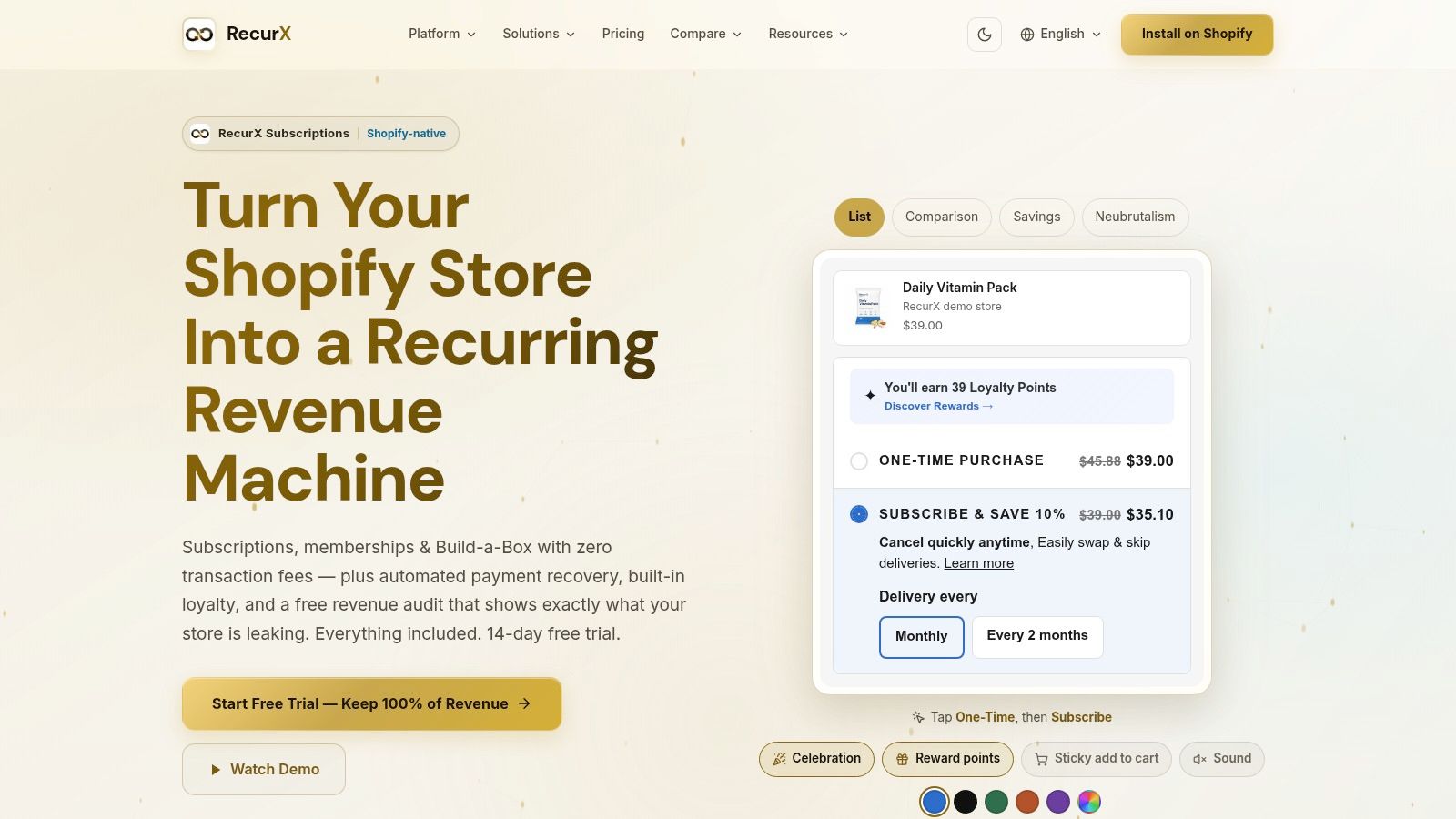
A subscriber wants to skip a shipment, but the next charge is already approaching. RecurX keeps skip, swap, frequency changes, and payment updates inside the Shopify customer account, so the customer can act without leaving the store. Pay-as-you-go and prepaid plans, memberships, and Build-a-Box use the same portal, giving different subscription types a consistent place to manage their orders.
Retention jobs you can copy
Make skip, swap, and frequency controls visible on the subscription details page, next to the upcoming charge date. That placement connects each choice to its consequence and gives customers a way to adjust an order before canceling. For payment recovery, provide a direct card-update action and a short sequence of reminders. A generic billing page several clicks away adds friction when a payment fails. Loyalty points on renewals offer another reason to keep a plan active.
A portal must work for more than pointer users. Baymard's audit of 33 leading ecommerce sites found 94% failed at least one WCAG 2.1 AA requirement. The audit also identified issues with keyboard navigation on 64% of sites, form-field markup on 58%, links on 73%, and images on 82%. Theme-matched widgets matter, but they do not replace contrast checks, keyboard access, and visible focus states.
Practical rule: Test skip, swap, and card updates with a keyboard. If a customer cannot complete them and see where focus is, the control is not ready.
RecurX lists zero transaction fees across its plans, while dunning, loyalty, and analytics for MRR, churn reasons, LTV, and cohorts are included rather than sold as separate add-ons. Migration connectors support several competing platforms, alongside CSV import and migration help. Saved cards often cannot move, so customers may need to enter payment details again. The app is relatively new, and public feedback remains limited. For replicable layout ideas, see this guide to customer portal design.
2. Native
A subscriber traveling during a scheduled refill faces a simple choice: adjust the shipment or cancel. Native gives customers portal controls to skip or swap a delivery and add a one-time product to a recurring order. Those actions address distinct retention jobs: skip handles timing, swap handles product preference, and an add-on increases the order without sending the customer through a separate checkout.
A vendor case study attributes improved retention and subscription revenue to the portal, but those results are the provider's account, not an independent benchmark. Native's portal requires a login, so its full interface cannot be reviewed publicly. The observable mechanics still offer practical guidance: put the next shipment's changes where customers make decisions about that shipment.
Offer a change before a cancellation path. Place “Skip this shipment” and “Swap this product” among the upcoming delivery's primary actions. This makes the alternatives specific and actionable, rather than asking customers to search through general account settings.
Attach add-ons to the recurring order. Show a one-time product beside the next delivery, so customers can add it without starting another purchase flow. The tactic supports an additional purchase while keeping the existing subscription intact.
Keep account actions recognizable. A custom, responsive dashboard can retain the brand's visual identity. For replenishment products, familiar account cues support repeat use, while clear task labels help customers find the control they need.
A simple account task still fails when the matching control is hard to find.
Coveo's recent research reports that 61% of customers prefer self-service for simple issues, while only 14% of self-service issues are fully resolved. In 43% of unsuccessful cases, customers cannot find content that matches their problem. For a portal, the practical lesson is to organize actions around customer tasks, not add more widgets. Teams reviewing account entry can use this guide to customer portal login. A custom build requires more design work than a template, and labels need retesting when the catalog changes.
3. Better & Better
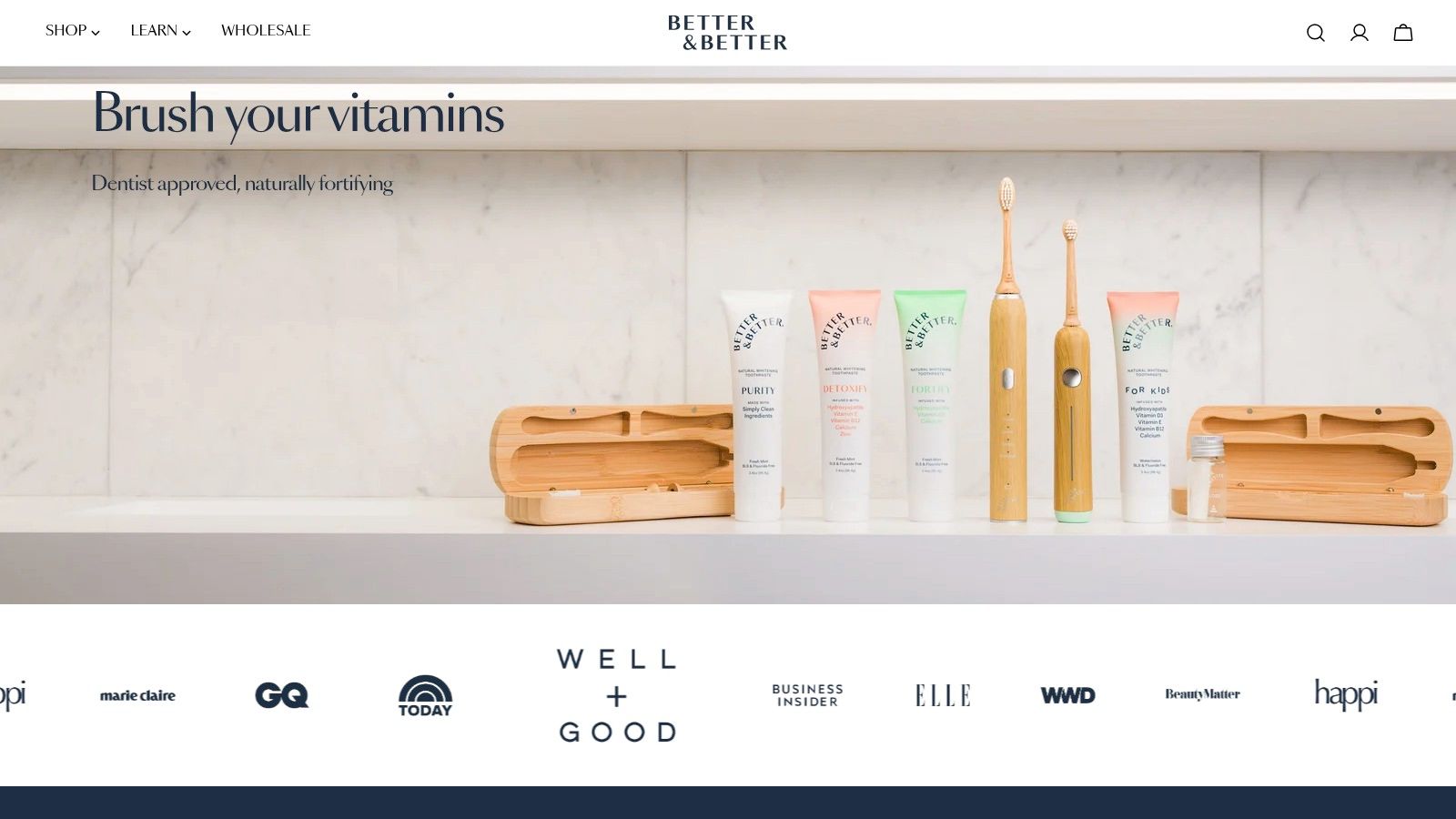
A subscriber due for toothpaste may need a different quantity, a later delivery, or a payment update. Better & Better documents a custom portal that lets customers change product type, quantity, delivery frequency, and payment, as well as skip, swap, or reschedule. One-time add-ons can be attached to an upcoming order. Past purchasers can access the portal too, giving one-time buyers a path to manage an account and potentially subscribe later.
The retention job here is to let customers adjust the commitment without abandoning it. A vendor case study reported an immediate lift in order volume after the brand combined one-time purchases with subscriptions. Treat that result as the vendor's account, not an independent test. The replicable UX is more specific: place quantity and frequency beside the product, and let customers edit payment details in the same account.
Make the next shipment and its available controls easy to find. Shopify's write-up of Filtrous reports that its self-service purchasing portal tripled order frequency and saved about 12 hours of manual work per week. It also describes order-status visibility as a way to reduce uncertainty and additional contacts. For a subscription brand, the practical equivalents are a visible upcoming order, a reschedule option, and an add-on that joins the existing shipment instead of opening a new cart.
Measure whether customers complete those tasks: track saved frequency changes, completed skips, and add-ons attached to the next order. Custom portals require deliberate configuration, and their live interfaces can change after a case study is published. For a practical overview of customer portal software, compare the account controls each option supports.
4. Garden Street Gin Club
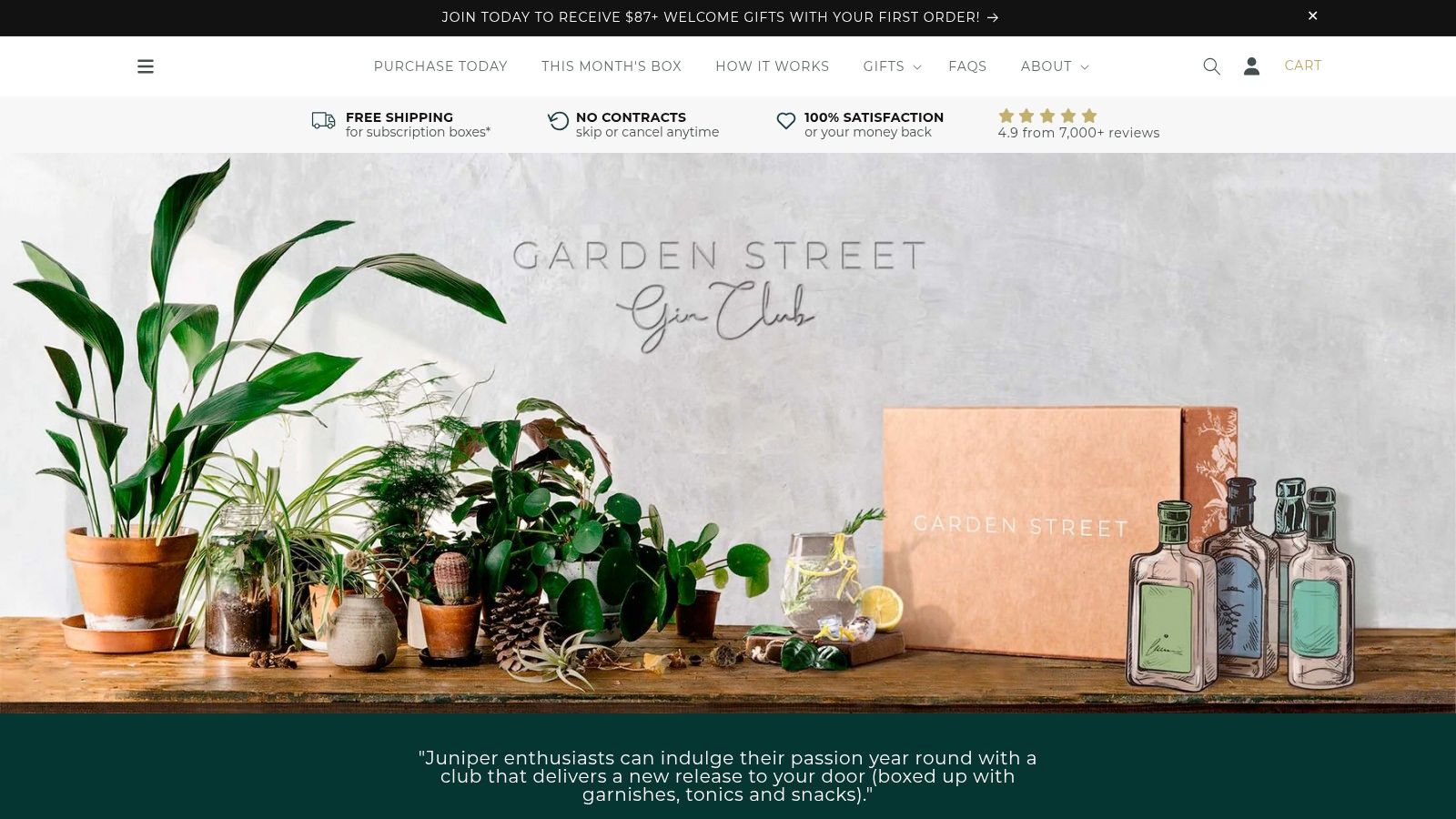
Garden Street sells recurring Australian gin boxes with tonics, garnishes, and snacks, so the portal has to explain a mixed delivery, not a single SKU refill. A published project described portal customization meant to make options easier to understand and to cut early cancellations. The public write-up doesn't spell out every control, and it doesn't report a measured result after launch. Use it as a warning about month-one churn, not as a scoreboard.
Separate a pause from a lost subscriber
Shopify's subscription reporting gives four base indicators: subscription revenue, active subscriptions, new subscriptions, and canceled subscriptions. It also notes that active subscriptions can include paused and skipped contracts. That's the analytical point clubs miss. A member who delays the next box can still sit in the active base. A cancel is a different loss.
Copy three mechanics even if your category isn't gin.
Show the box contents before the date. People cancel mystery shipments they can't picture.
Offer a slower cadence in the first cycle. Frequency control is the alternative to “cancel after box one.”
Label temporary changes as temporary. “Skip next box” should state the date billing resumes.
Specialist club rules won't transfer wholesale. The measurement vocabulary will. Compare portal skips with true cancellations by product and by month, and you'll see whether flexibility is keeping members or only delaying the exit.
5. ButcherBox
ButcherBox is the reference when a subscription is a changing multi-item box of meat and seafood, not a single refill. A published implementation described a Shopify rebuild using Recharge's Affinity customer-portal theme, plus custom engineering for product and account requirements. Public detail on exact subscriber clicks is thin. The useful observation is structural. Fulfillment complexity has to show up in the account, or customers invent their own support path.
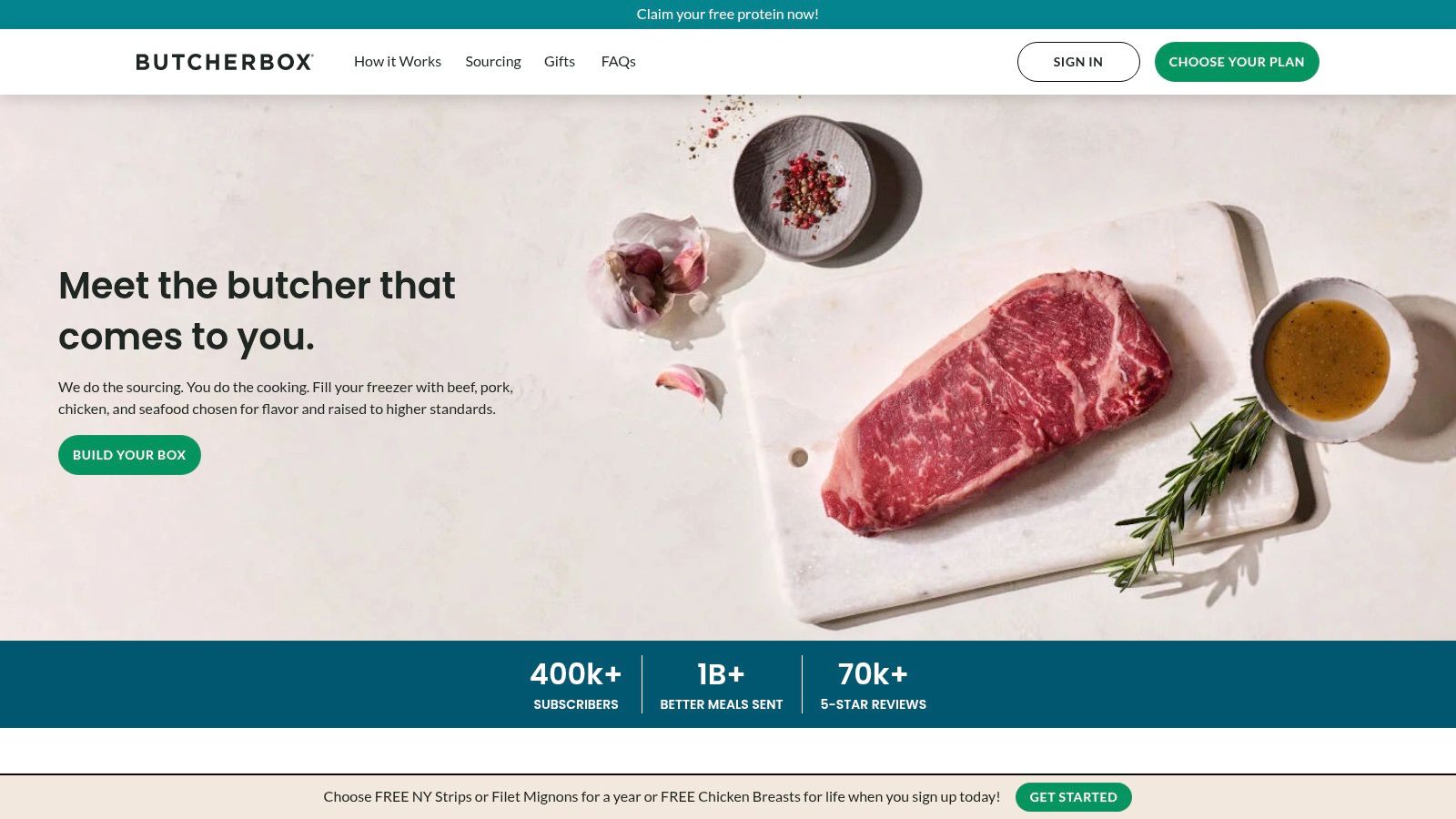
Treat the portal as a transactional surface. A documented ecommerce portal deployment processed more than $350,000 in its first year, across more than 2,000 customers, 2,800 orders, and 254 products. The same account reported fewer email exchanges once customers could see order status step by step. For a box brand, the matching design is a timeline of selection, payment, and fulfillment, with a recovery action when a charge fails.
What to replicate without copying a full custom rebuild:
Selection state. Show what's in the next box and what can still change.
Exception state. Surface cuts, swaps, and delays before the ship date.
Audit trail. Authenticated changes should be traceable so support isn't guessing.
A build at this depth is more than a small store needs. The coordination lesson still holds. Storefront, subscription platform, and account screens have to agree on the same next order.
6. La Colombe
Coffee subscribers don't only manage a date. They manage taste. La Colombe’s documented dashboard pulled subscription management, reordering, flavor selection, and multipack customization into one account, with navigation meant to match the storefront. The live portal may differ from that partner write-up, and the account doesn't publish pricing or a broad set of customer reviews. The retention pattern is still clear.
Flavor and pack size are the swap. If those choices live only on the product page, a subscriber who wants a different roast has to cancel and repurchase. Put selection on the upcoming order, then confirm the next charge in the same view. Reorder belongs beside manage, so a lapsed cadence can restart without a hunt through the catalog.
Keep brand type and spacing. A generic portal makes a premium coffee account feel like a billing utility, and people treat utilities as easy to drop.
Name the multipack in plain language. “2 bags, dark roast, every 4 weeks” beats a settings form full of internal variant names.
Show the next roast before the bill date. Uncertainty is what creates the “just cancel it” email.
Use this when your consumable has real variety. If every subscriber gets the same SKU forever, flavor controls are noise. If blends and formats change, they're the skip-and-swap layer that keeps the contract alive.
7. Verve Coffee Roasters
Verve Coffee Roasters documented a Shopify Plus flow where customers chose coffee and delivery frequency, then managed upcoming orders in a portal styled like the storefront, with Recharge in the stack. An agency case study isn't independent proof of results, and it doesn't list every control. What it does show is a connected journey. The choice made at purchase is the same choice edited after purchase.
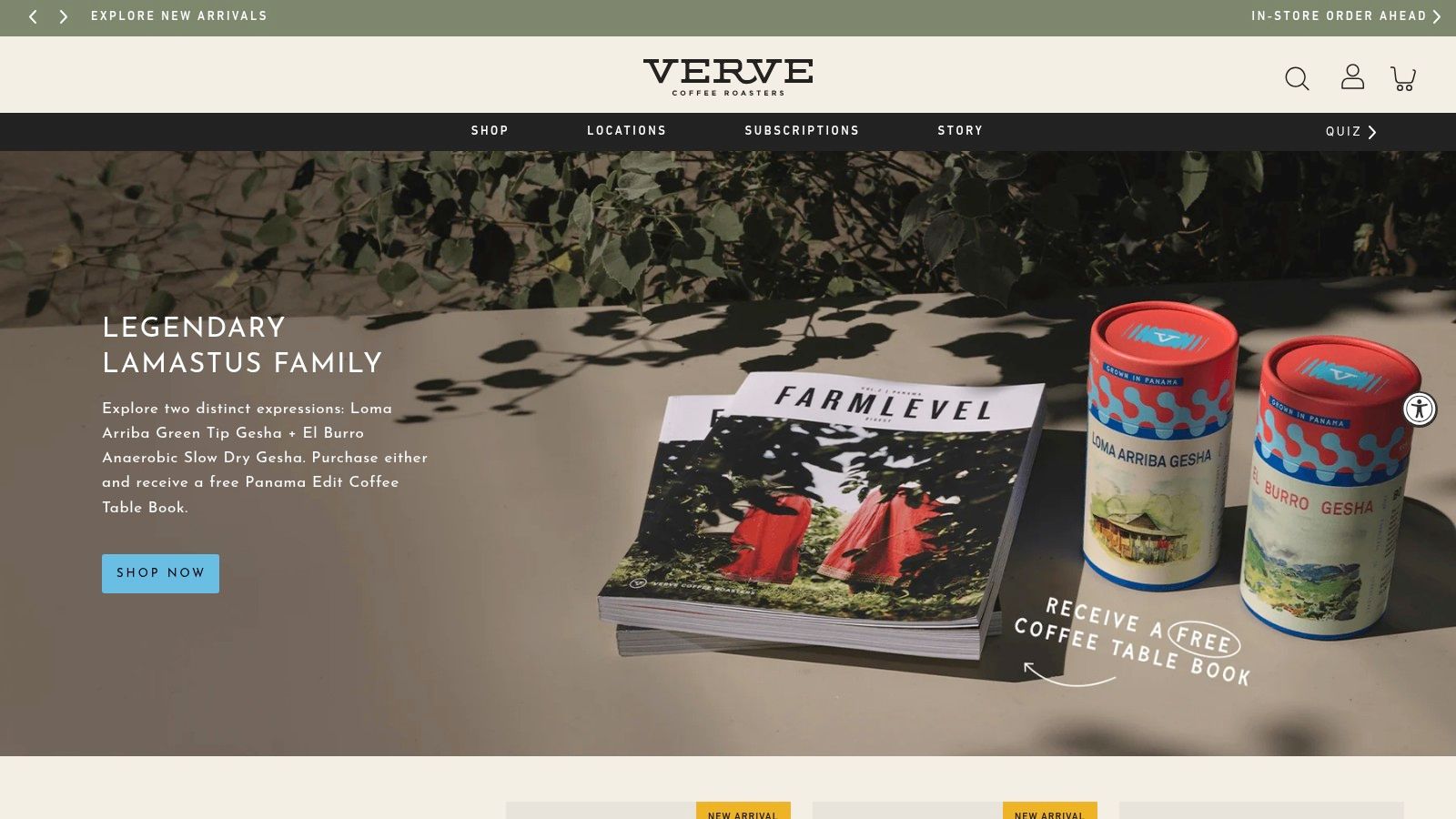
Frequency control is the tactic to lift. If the subscribe step offers a delivery interval, the account must offer the same interval list, with the next order date updating before the customer confirms. A portal that only says “manage subscription” forces people to guess whether a slower plan is allowed.
Copy the handoff, not the whole custom build.
Match the words. The interval label on the product page and the interval label in the account should be identical.
Edit the upcoming order, not an abstract plan. People understand “next bag on May 12” better than a contract ID.
Style the portal as the store. When the account looks foreign, subscribers assume they left the brand and look for email support instead.
A custom flow needs development time. A small catalog can still copy the rule: purchase choices and post-purchase edits are one system. Break that link and frequency becomes a support script.
Customer Portal Examples: 7-Point Comparison Guide
Compare these portals by the retention job they support, the work required to deliver it, and the strength of the results reported. The table separates observable features from outcomes: where a case study does not provide a quantified result, it is listed as unreported rather than inferred.
| Example | 🔄 Implementation complexity | ⚡ Resource requirements | 📊 Documented outcomes | ⭐ Key advantages | 💡 Ideal use cases |
|---|---|---|---|---|---|
| RecurX | Low to moderate; Shopify-native setup with customizable widgets and a customer portal | Setup and migration support | Subscription analytics; no independent performance results listed | Billing options, loyalty, payment recovery, self-service tools, and no transaction fees | Shopify brands seeking subscription management in one platform |
| Native | Moderate to high; custom responsive portal | Design and implementation work; customers need account access | Case study reports better retention and higher subscription revenue; provider-reported, with no percentages stated | Customers can skip or swap deliveries and add one-time products to recurring orders | Personal-care and replenishment brands |
| Better & Better | High; documented custom implementation | Custom portal and hybrid purchase-model work | Case study reports an immediate lift in order volume; provider-reported, with no figure stated | Flexible product, delivery, and payment controls for past buyers and subscribers | Replenishment brands serving households with changing needs |
| Garden Street Gin Club | Moderate; portal customization, with limited public implementation detail | Customer-experience and retention analysis | Case study describes early cancellations; no quantified cancellation rate or measured post-launch result reported | A reference for curated boxes and addressing early cancellations | Clubs offering mixed-product recurring boxes |
| ButcherBox | High; Shopify rebuild with custom engineering | Storefront, subscription, and fulfillment coordination | No specific post-launch results reported | Supports complex product structures and recurring boxes | Multi-item food boxes and other complex subscriptions |
| La Colombe | Moderate to high; documented portal redesign | Design and implementation work; pricing not published | No quantified results reported | Subscription management, reordering, flavor choice, and multipack customization | Coffee and consumables with varied product preferences |
| Verve Coffee Roasters | Moderate to high; custom flow and branded portal | Development resources; Shopify Plus and Recharge integration | No quantified results reported | Connects product selection and delivery frequency with self-service management | Coffee, tea, and other regularly replenished products |
Use the comparison to identify what the account lets a customer do, not just which platform powers it. Skip and swap options offer an alternative to cancellation; payment recovery gives subscribers a route to resolve failed charges; add-ons expand an order without changing its recurring core. Frequency controls let customers adjust delivery timing. Implementation effort and reported evidence vary, so distinguish a documented feature from a measured retention result.
Turn These Portals Into Higher Retention
A subscriber reaches the account page before the next shipment, unsure whether to pause, change the box, or cancel. The strongest portals make that choice specific: Native and Better & Better offer skip, swap, rescheduling, and one-time add-ons, giving customers alternatives to leaving. RecurX and Verve put frequency and payment updates in the merchant's account. Garden Street Gin Club highlights the need to show box contents and let customers adjust cadence. ButcherBox and La Colombe demonstrate how clear product selections and brand-matched navigation can keep complex order changes self-service.
Build around four retention jobs: skip or swap, recover payment, offer add-ons, and control delivery frequency. Put the relevant action and next charge date on the subscription detail page. Use labels customers recognize, such as “I need to delay this shipment” and “my payment failed.” Confirm the new date after each save. Test keyboard access, focus, contrast, and error messages in these flows. Then track portal-completed changes alongside cancellations and support contacts per active subscriber. Keep paused and skipped subscriptions separate from cancellations, so flexibility does not obscure churn.
Repeat purchase insights from Reddog Consulting Group can help connect account actions to a second order. Add features only after customers can complete these four jobs without contacting an agent. A portal supports retention when customers can change their plan and still choose to receive the next box.
customer portal example · subscription portal · self-service UX · customer retention · Shopify subscriptions
Keep reading
- Customer Portal Examples: 7 Brands Done RightExplore 7 customer portal examples that excel at self-service, branding, and subscription management, with actionable UX and retention takeaways.
- Subscription Churn Rate: How to Reduce It for ShopifyLearn what subscription churn rate means, how to calculate it, and proven strategies Shopify merchants can use to reduce voluntary and involuntary churn.
- How to Offer Payment Plans to Customers in 2026Learn how to offer payment plans to customers with this practical guide covering plan structures, billing setup, eligibility, pricing, and recovery tactics.
Start growing recurring revenue on Shopify
RecurX has a 14-day free trial and zero transaction fees on every plan. Install in minutes.
Start your free trial →