Customer Portal Examples: 7 Brands Done Right
Explore 7 customer portal examples that excel at self-service, branding, and subscription management, with actionable UX and retention takeaways.
Explore 7 customer portal examples that excel at self-service, branding, and subscription management, with actionable UX and retention takeaways.
Stop treating your customer portal like a settings page you bolt on after checkout. That's the most popular advice in subscription ecommerce, and it's backwards. A portal isn't where customers go to admire their address. It's a retention product that decides whether a subscriber pauses, swaps, or cancels.
The demand isn't hypothetical. Customer portal guidance summarizing Zendesk and Coleman Parkes findings reports that 67% of customers prefer self-service over speaking with a company representative, while 91% would use an online knowledge base if it contained the information they needed. Those numbers come with a condition. Customers use self-service when it actually completes the task.
Judge these customer portal examples through four lenses. First, self-service controls for pause, skip, swap, frequency, and payment updates. Second, branding and account integration, so the portal feels like your store, not a third-party detour. Third, subscription and add-on management, including a clean split between recurring and one-time items. Fourth, payment and retention safeguards that catch failed cards before they become churn.
A weak portal creates predictable costs. You get tickets for routine changes, involuntary churn from declined cards, and customers who cancel because they couldn't find the pause button. The brands below show how to avoid that outcome with specific choices you can copy.
Table of Contents
- 1. RecurX
- 2. ButcherBox
- 3. Better & Better
- 4. Dr. Axe
- 5. Verve Coffee Roasters
- 6. Garden Street Gin Club
- 7. Pura
- 7 Customer Portal Examples Compared Side by Side
- The Patterns Worth Copying Into Your Own Portal
1. RecurX
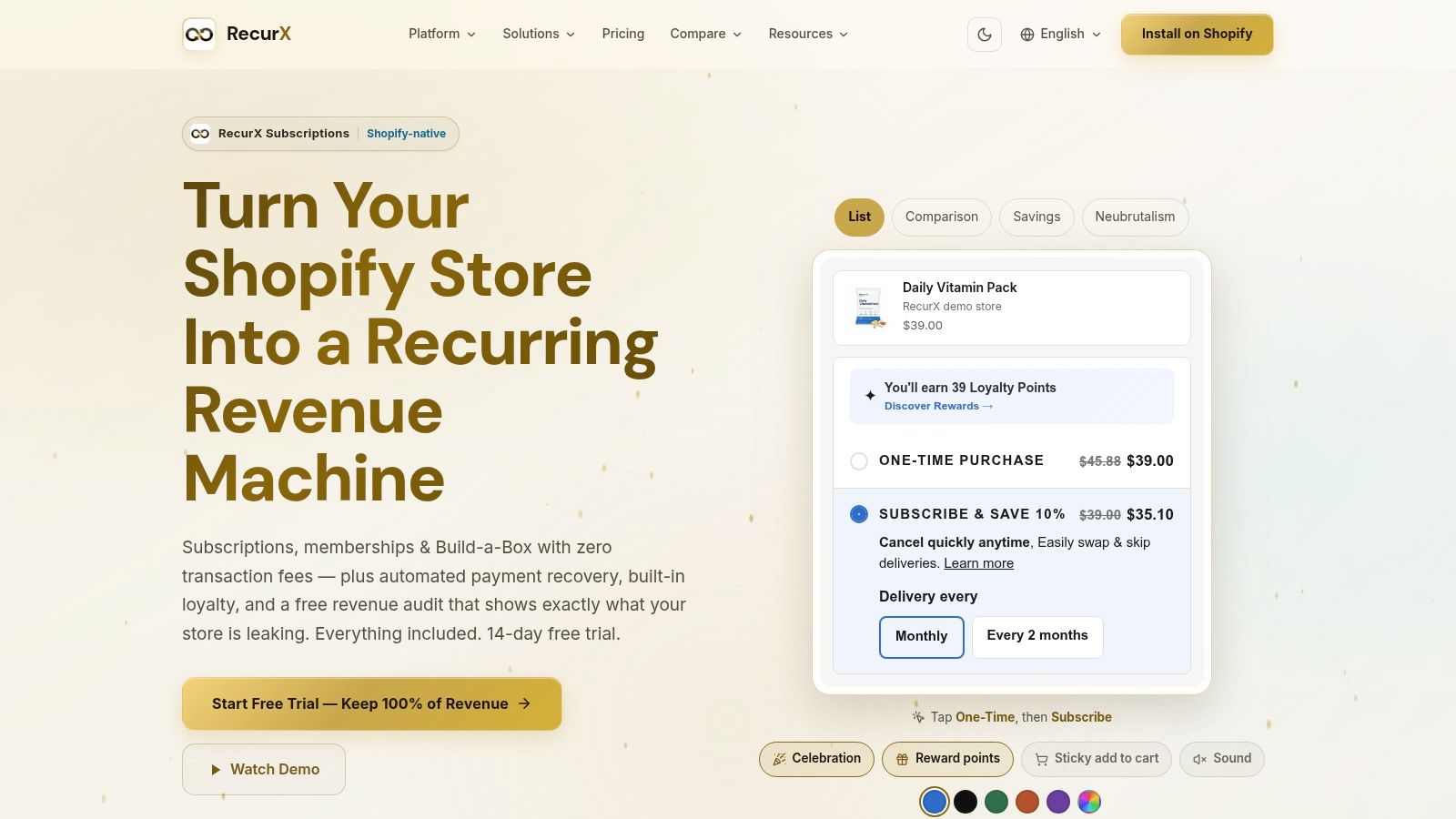
RecurX is the infrastructure example on this list, not a consumer brand. It's a Shopify-native subscription platform for merchants who want recurring revenue without paying a percentage of every sale. It supports pay-as-you-go and prepaid plans, memberships, and Build-a-Box subscriptions, plus flexible billing schedules, trials, and tiered discounts.
The portal matters because customers manage subscriptions on the merchant's own domain through native Shopify customer accounts. They can pause, skip, swap products, change frequency, update payment details, and cancel without filing a ticket. That design matches the principles in practical customer portal design guidance for Shopify stores, where the account experience stays inside the storefront instead of sending shoppers elsewhere.
Why It Works as a Retention Layer
RecurX bundles the portal with payment recovery, loyalty rewards, analytics, and bundles. Decline-aware retries and one-click card-update links defend revenue at the exact moment a renewal fails. Loyalty points, VIP tiers, and milestone bonuses give subscribers a reason to stay that isn't another discount code.
Storefront widgets auto-match theme colors and fonts and include accessibility contrast checks. That sounds cosmetic until a low-contrast widget suppresses subscribe opt-ins on mobile. Industry coverage of Statista-reported consumer behavior notes that 79% of U.S. consumers have used a self-service portal and 89% expect companies to provide one, so a clunky portal isn't a minor flaw. It's a broken expectation.
- Pros: Zero transaction fees on every plan, built-in payment recovery and loyalty without paid add-ons, Shopify-native checkout and admin, and support for bundles and Build-a-Box.
- Pricing: A 14-day free trial, then $29/month for up to 1,000 active subscribers or $49/month for unlimited subscribers.
- Cons: It's a new app with limited public proof. The website reports a 5.0 rating from six Shopify App Store reviews and no customer testimonials, and saved payment methods don't automatically transfer during migration.
Migration help is available for supported platforms and CSV imports. If you're evaluating it, test the portal flows yourself before you migrate anyone. Click every pause, skip, and card-update path on a phone.
2. ButcherBox
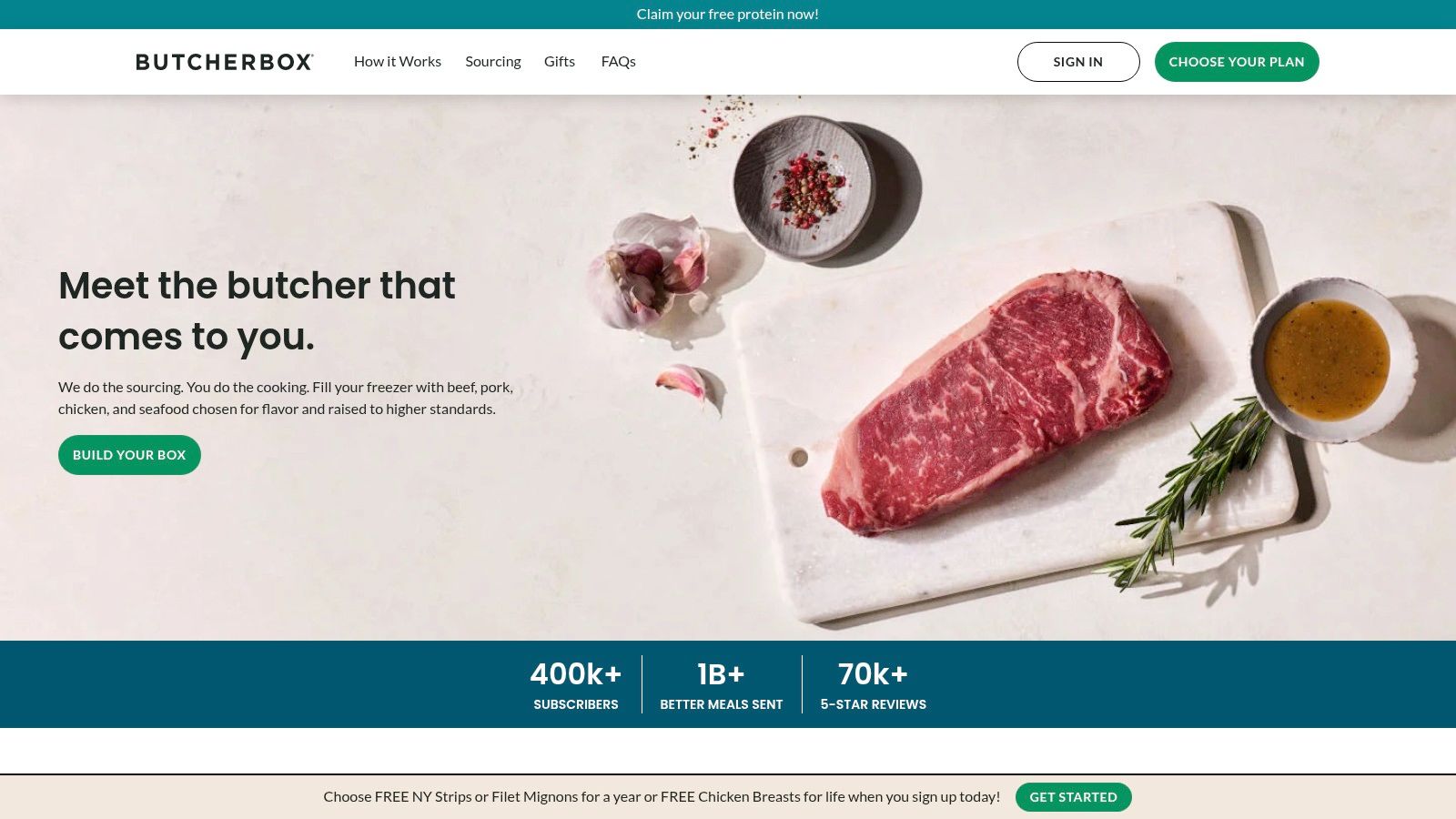
ButcherBox gets one distinction right that many subscription stores blur. It separates recurring add-ons from one-time member deals. That split sounds small. In practice, it prevents the most common portal complaint, which is a customer adding an item once and discovering it on every future shipment.
Subscribers customize a recurring box from core and specialty meat and seafood cuts. They can also pause or cancel a subscription and skip a shipment through the account. Public FAQs explain account actions and order timing before someone has to log in and hunt.
The Transferable Pattern
Copy the labeling, not just the features. Every add-on in your portal should answer one question in plain text. Does this ship once, or does it repeat? Put that answer on the button and again on the upcoming-order summary.
Strong portals move repeat orders out of inboxes. A regional industrial distributor case described by Miva redesigned around account pricing, one-click reordering, returns, and approvals. After launch, 71% of repeat orders were completed through the portal without sales-team contact, cycle time fell from 3.4 days to 9 hours, and retention rose from 78% to 89%. Different industry, same lesson. Expose high-frequency actions in one authenticated workflow.
Login friction can undo all of it, which is why how customer portal login affects repeat access deserves attention before you add features. A portal customers can't enter deflects nothing.
- Pros: Supports curated boxes instead of fixed monthly items, distinguishes recurring add-ons from one-time extras, and explains timing in public FAQs.
- Cons: The full portal requires sign-in, and changes made after an order enters processing may not affect that shipment.
3. Better & Better
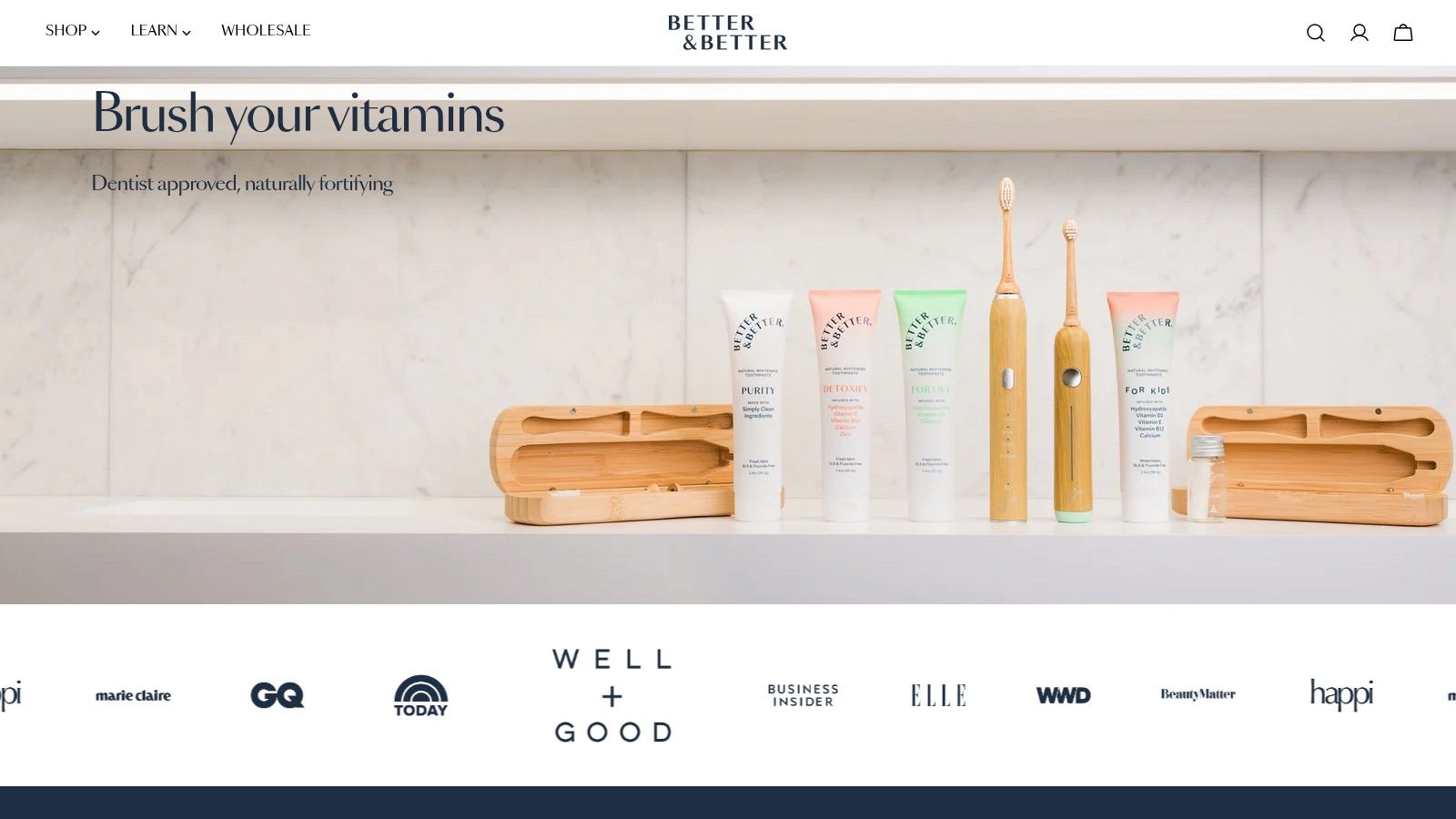
Most portals are built for subscribers and tolerate everyone else. Better & Better flips that by serving one-time buyers and subscribers in the same account experience. For oral-care consumables, that's the right call. Many customers want to try a product before they commit to a refill cadence.
Subscribers can swap products, add one-time items to an upcoming subscription order, skip deliveries, and schedule an order date. Adding a one-time item to the next shipment is the standout move. It raises order value without forcing a second checkout, a second shipping charge, or a second package.
Operator rule: If a customer has to start a new checkout to add one item to a shipment that's already scheduled, your portal is costing you revenue.
That post-purchase layer works best when it's connected to live order data, not static help pages. A D2C implementation handling more than 10,000 daily orders unified support channels and added self-service tracking, returns, and refund visibility. It reported 35% lower support-ticket volume, 50% faster response times, and 40% faster refund processing, largely by removing routine status questions from agent queues.
- Pros: Treats the account as part of the broader post-purchase experience, lets subscribers add products without separate checkout, and suits try-before-you-subscribe consumables.
- Cons: The experience depends on the brand's specific implementation and subscription setup, and the full portal requires a customer account.
Steal the sequencing. Show the upcoming order first, then offer swaps and one-time additions in that same window. Don't bury revenue actions under account settings.
4. Dr. Axe
Loyalty programs usually live in a separate rewards page that subscribers forget exists. Dr. Axe takes the smarter route. Its documented portal connects subscription management with loyalty rewards, so eligible customers can apply reward products to an upcoming subscription shipment.
That placement changes the economics of loyalty. A reward redeemed inside the next recurring order doesn't trigger a separate shipment. It also gives the customer a concrete reason to open the portal before renewal, which is exactly when skip, swap, and frequency decisions happen.
Loyalty Belongs in the Renewal Window
Think about the timing from the customer's side. Points sitting on a standalone page have no deadline and no context. A reward offered against a shipment arriving soon has both. For supplement brands with repeat-use products, that turns loyalty from a passive balance into an active retention lever.
There's a second lesson here about promotion, not features. Gartner's 2025 survey of 5,801 customers found that 60% of service agents failed to promote self-service, while agent promotion doubled the likelihood customers would use self-service for a future issue. Portal adoption isn't mainly a UI problem. If your order confirmations, renewal reminders, and support replies don't deep-link to the right action, even a good portal underperforms.
- Pros: Reduces friction between earning and using rewards, makes loyalty relevant to recurring orders, and fits repeat-use supplement buying.
- Cons: Reward eligibility and redemption timing may be conditional, and the published case study describes a particular setup that may not reflect every current detail.
If you copy this, state eligibility rules inside the portal itself. A reward that fails at checkout with no explanation creates the ticket you were trying to avoid.
5. Verve Coffee Roasters
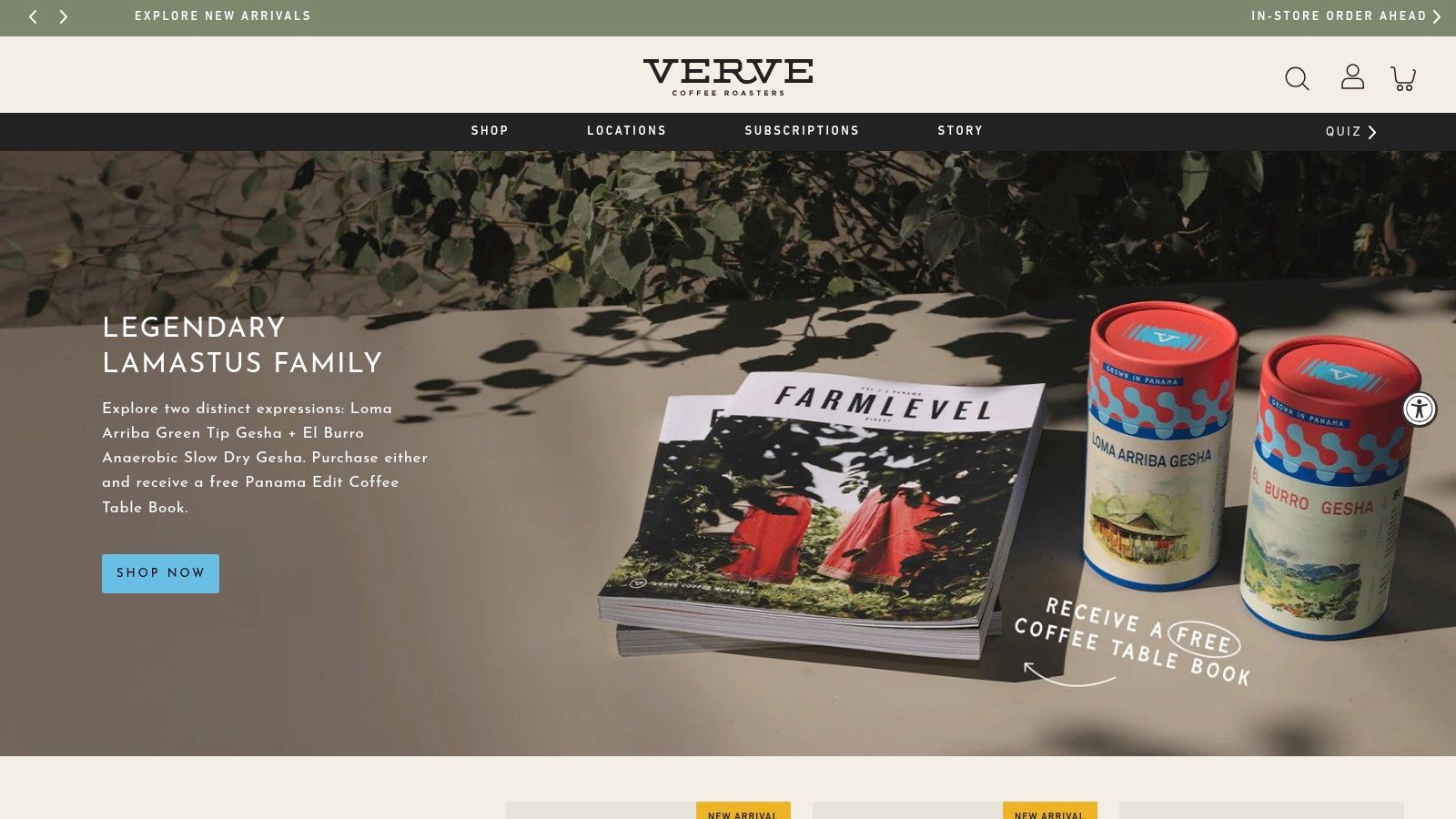
Coffee is a routine product, so the portal has to support a routine. Verve Coffee Roasters connects coffee selection and delivery frequency in the subscription flow with a self-service portal for managing recurring orders later. Setup and management feel like one continuous experience instead of two unrelated tools.
The detail worth copying is presentation. The documented implementation uses a branded portal designed to match the storefront. Customers shouldn't wonder whether they've landed on a legitimate page when they're about to update a payment method. Visual continuity is a trust feature, especially on billing screens.
Branding Is Functional, Not Decorative
Merchants often deprioritize portal styling because it doesn't show up in a feature comparison. Customers notice it anyway. A mismatched domain, generic fonts, and default app styling all signal that account management is an afterthought. That's the wrong signal at the moment you're asking for a new card number.
When you're comparing platforms, what to look for in customer portal software is a useful frame. Ask whether the portal runs on your domain, inherits your theme, and lets you rename actions in language your customers use every day.
- Pros: Connects subscription setup with later order management, keeps presentation brand-consistent, and tailors the flow to product selection.
- Cons: The available source is an implementation case study rather than a full live walkthrough, and features depend on the current subscription configuration.
One caution applies to every example like this. A case study describes a point in time. Audit the live portal with a test account before you treat any documented flow as current fact.
6. Garden Street Gin Club
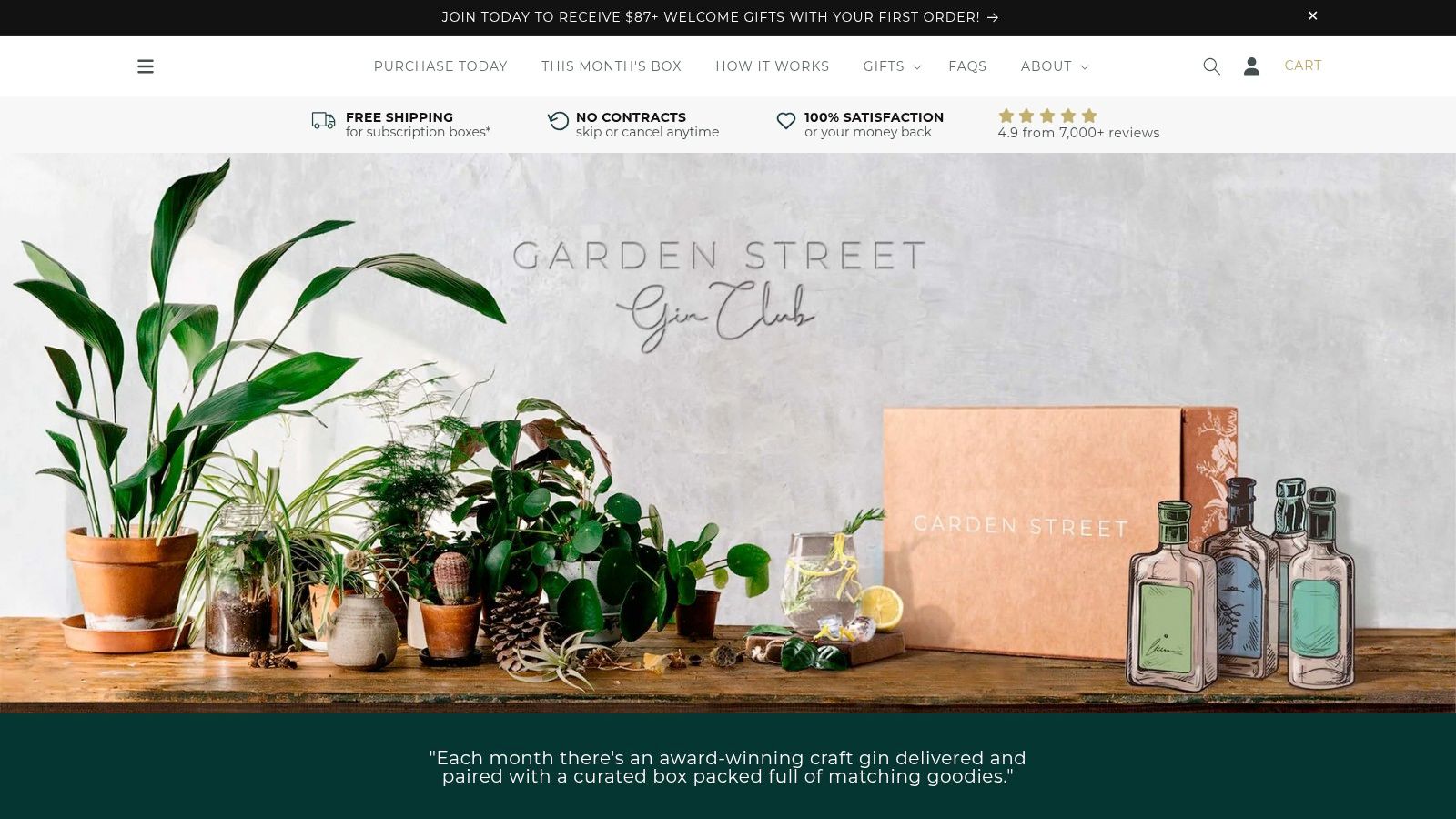
Garden Street Gin Club does something unfashionable. It explains the exit before you join. Its public FAQs describe how members update details, skip a box, or cancel through the online membership portal, and they cover email login-code support as well.
That transparency is a conversion asset. Shoppers hesitate to subscribe when they can't see how to stop. Clear skip and cancel signposting on public pages answers the objection before it becomes a reason to abandon checkout.
The membership also layers in discounts, limited releases, and event invitations. That gives the portal a purpose beyond shipment admin. Members have a reason to log in that isn't a problem, which builds the habit of using the account before they ever need to skip a box.
A portal customers only visit when something's wrong will always feel like a complaints desk. Give them a benefit worth checking.
- Pros: Public help content explains key account actions before joining, skip and cancel controls are clearly signposted, and delivery management sits alongside wider member benefits.
- Cons: The portal requires member access, it's a category-specific Australian gin club example, and dietary requirements are handled through order notes on a best-efforts basis.
That last con is instructive. Anything handled through free-text order notes is a process waiting to fail. If a preference affects what ships, it belongs in a structured portal field with a confirmation state, not in a note someone has to remember to read.
7. Pura
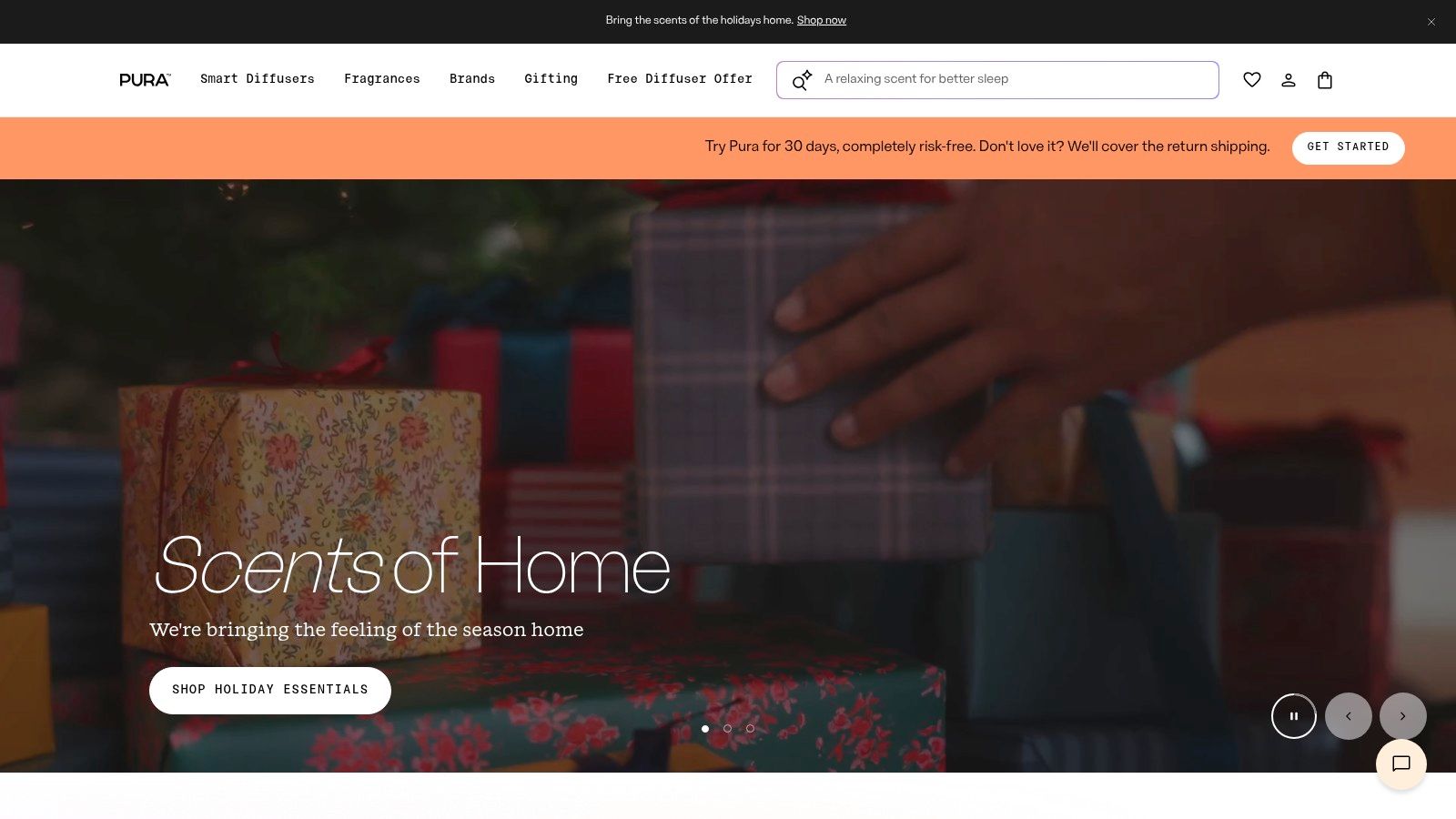
Fragrance is a preference product. What a customer loved in January may bore them by April. Pura builds its subscription experience around that reality, letting subscribers swap products as tastes change while still offering one-time purchases alongside subscriptions.
The documented experience, built on a Shopify and Recharge integration, focuses on communicating delivery cadence and upcoming-order expectations in concrete terms. That's underrated work. Most subscription anger comes from surprise charges, not from the product itself. A portal that shows the next order date, what's in it, and when changes lock prevents the angriest tickets.
Swap functionality is the retention mechanism here. Without it, a bored customer has two options, endure another shipment or cancel. With it, they have a third option that keeps the subscription alive. If you're comparing fragrance subscription models, you can also browse Purva's offerings for another take on the category.
Accessibility and escalation separate good portals from pretty ones. Deloitte's 2025 global customer-service research reported that 48% of organizations saw demand for self-service increase and 47% already offered customer portals, yet nearly one-third of customers in separate reporting said self-service hadn't improved their experience. Availability isn't usability.
- Pros: Explains recurring schedules in concrete customer terms, supports swapping for changing preferences, and shows subscriptions coexisting with standard ecommerce sales.
- Cons: The public source describes the experience at a high level rather than documenting every portal action, and details may vary by account and current store setup.
Test your own portal with a keyboard, a small phone screen, and a failed payment. If any of those paths dead-ends, you don't have self-service. You have a brochure.
7 Customer Portal Examples Compared Side by Side
| Example | Portal or subscription model | 🔄 Self-service features | ⭐ Key strength | 💡 Best fit |
|---|---|---|---|---|
| RecurX | Shopify-native subscription platform; plans start at $29/month, with zero transaction fees | Manage subscriptions, billing, bundles, discounts, and payment recovery; migration support available | Combines subscription management, loyalty, analytics, and customer portal tools | Shopify merchants seeking flexible recurring plans without per-transaction fees |
| ButcherBox | Customizable recurring meat and seafood boxes | Customize boxes, manage add-ons, skip shipments, pause, or cancel | Supports flexible shipments and clearly distinguishes recurring add-ons from one-time deals | Subscription businesses with curated or customizable product boxes |
| Better & Better | Oral-care subscriptions alongside one-time purchases | Swap products, add one-time items to upcoming orders, skip deliveries, or schedule an order | Connects account management for subscribers and one-time buyers | Consumables brands that want customers to try products before subscribing |
| Dr. Axe | Health and wellness subscriptions linked to loyalty rewards | Eligible customers can apply reward products to an upcoming subscription shipment | Makes loyalty rewards usable within the recurring-order journey | Supplement brands with repeat-purchase products and loyalty programs |
| Verve Coffee Roasters | Branded coffee subscriptions with delivery-frequency choices | Manage recurring orders through a self-service portal | Connects subscription setup and management in a brand-consistent experience | Coffee brands and other routine-based replenishment businesses |
| Garden Street Gin Club | Recurring gin boxes combined with membership benefits | Update member details, skip a box, or cancel; FAQs explain login support | Combines delivery controls with discounts, limited releases, and event invitations | Membership-based product clubs that benefit from visible help content |
| Pura | Smart home fragrance subscriptions and one-time purchases | Review delivery cadence and upcoming orders; swap products | Explains recurring schedules and supports changing product preferences | Brands offering replenishable products with varied customer preferences |
The Patterns Worth Copying Into Your Own Portal
Seven different categories, but the same moves keep appearing. The strongest customer portal examples aren't the ones with the longest feature lists. They're the ones where a subscriber can finish a task in under a minute, on a phone, without asking for help.
Self-service is not a support cost. It is a churn-prevention feature, and every routine action you force into a ticket is a cancellation risk you chose.
Start with structure. Separate recurring add-ons from one-time buys and label both clearly on the upcoming-order summary, the way ButcherBox does. Then put pause, skip, and swap one tap away from the next shipment view. If cancel is easier to find than pause, you've designed your own churn.
Presentation and rewards come next. Host the portal on your own domain with brand-matched visuals, following the Verve pattern, so billing screens don't trigger suspicion. Tie loyalty redemption to the upcoming-order window, as Dr. Axe does, so points get spent inside shipments that are already happening. Both choices make the portal a place customers visit voluntarily.
Revenue defense is the layer merchants skip most often. Build in decline-aware retries and one-click card updates, and deep-link them from failed-payment emails straight to the fix. Don't send a customer to a generic account page and hope they find their way. Send them to the exact field that needs attention, already authenticated if your platform supports it.
Adoption needs a plan too. Link the portal from order confirmations, shipping notices, renewal reminders, and support replies. Train agents to name the specific action, such as skip the next shipment or update a declined card, instead of saying manage your subscription. Then measure what matters. Track authentication success, task completion, escalation rate, and time to resolution for every flow, because a started task isn't a resolved one.
Audit your current portal in this order. First, complete pause, skip, swap, frequency change, and card update on mobile as a real customer. Second, check that recurring and one-time items are visually distinct. Third, confirm the portal matches your storefront and works with keyboard navigation and readable contrast. Fourth, verify that every transactional email deep-links to a specific action. Fifth, make the route to a human visible, especially for billing disputes and cancellations. Fix failures in that sequence and your portal starts behaving like the retention product it should've been all along.
If your audit turns up dead ends, RecurX gives Shopify merchants a native customer portal on their own domain with pause, skip, swap, frequency, and payment controls, plus built-in payment recovery and loyalty at zero transaction fees. Start the 14-day free trial, run the five-step audit above against a test subscription, and see whether your customers can finish every task without opening a ticket.
customer portal examples · subscription management · self-service portal · ecommerce UX · recurring billing
Keep reading
- 7 Customer Portal Example Tactics for RetentionExplore 7 customer portal examples with self-service features, subscription controls, and retention UX tactics you can copy.
- Subscription Churn Rate: How to Reduce It for ShopifyLearn what subscription churn rate means, how to calculate it, and proven strategies Shopify merchants can use to reduce voluntary and involuntary churn.
- How to Offer Payment Plans to Customers in 2026Learn how to offer payment plans to customers with this practical guide covering plan structures, billing setup, eligibility, pricing, and recovery tactics.
Start growing recurring revenue on Shopify
RecurX has a 14-day free trial and zero transaction fees on every plan. Install in minutes.
Start your free trial →