Shopify Subscription Checkout Setup: A Practical Guide
Set up Shopify subscription checkout from scratch. Covers native integration, anchor billing, testing flows, and migration tips for Shopify Plus merchants.
Set up Shopify subscription checkout from scratch. Covers native integration, anchor billing, testing flows, and migration tips for Shopify Plus merchants.
Shopify has natively supported subscriptions inside checkout since November 2020. Using a Shopify-native app such as RecurX, a working setup can be achieved in under one hour with zero transaction fees, native Polaris UI, and migration tools for Recharge, Loop, Bold, and Skio.
You may be looking at the same problem many Shopify merchants face: subscribe-and-save is commercially attractive, but the implementation feels bolted on. The product page uses one system, checkout uses another, recurring orders appear somewhere else, and your support team has to explain billing rules that customers never saw clearly. A subscription flow can technically work while still creating reporting gaps, fulfillment errors, failed-payment churn, and migration risk.
The right standard is higher. Your Shopify subscription checkout should capture explicit consent, create a usable subscription contract, preserve reporting visibility, map quantities correctly for operations, and give customers a reliable way to pause, skip, swap, or update payment details.
Table of Contents
- Why Native Checkout Subscriptions Changed Everything for Shopify Merchants
- Setting Up Subscription Plans and Anchor-Date Billing in Shopify Checkout
- Understanding Subscription Contracts, Quantity Mapping, and Reporting Visibility
- Testing Your Subscription Flow Before Launch
- Comparing Native Checkout Subscriptions Against Legacy Third-Party Apps
- Post-Launch Operations, Payment Recovery, Loyalty Stacking, and Analytics
Why Native Checkout Subscriptions Changed Everything for Shopify Merchants
A DTC brand launching subscriptions before native Shopify support often had to stitch together a storefront widget, a separate recurring billing flow, and a reporting dashboard that didn't match Shopify's order data. Customers could buy the first order through one experience, then manage future charges through another. The brand's marketing team saw one set of numbers, while operations and finance worked from another.
That model created practical friction, not just technical inconvenience. Checkout changes could require app updates, subscription details weren't always visible beside ordinary orders, and support agents had to move between systems to answer basic questions about the next shipment or billing date.
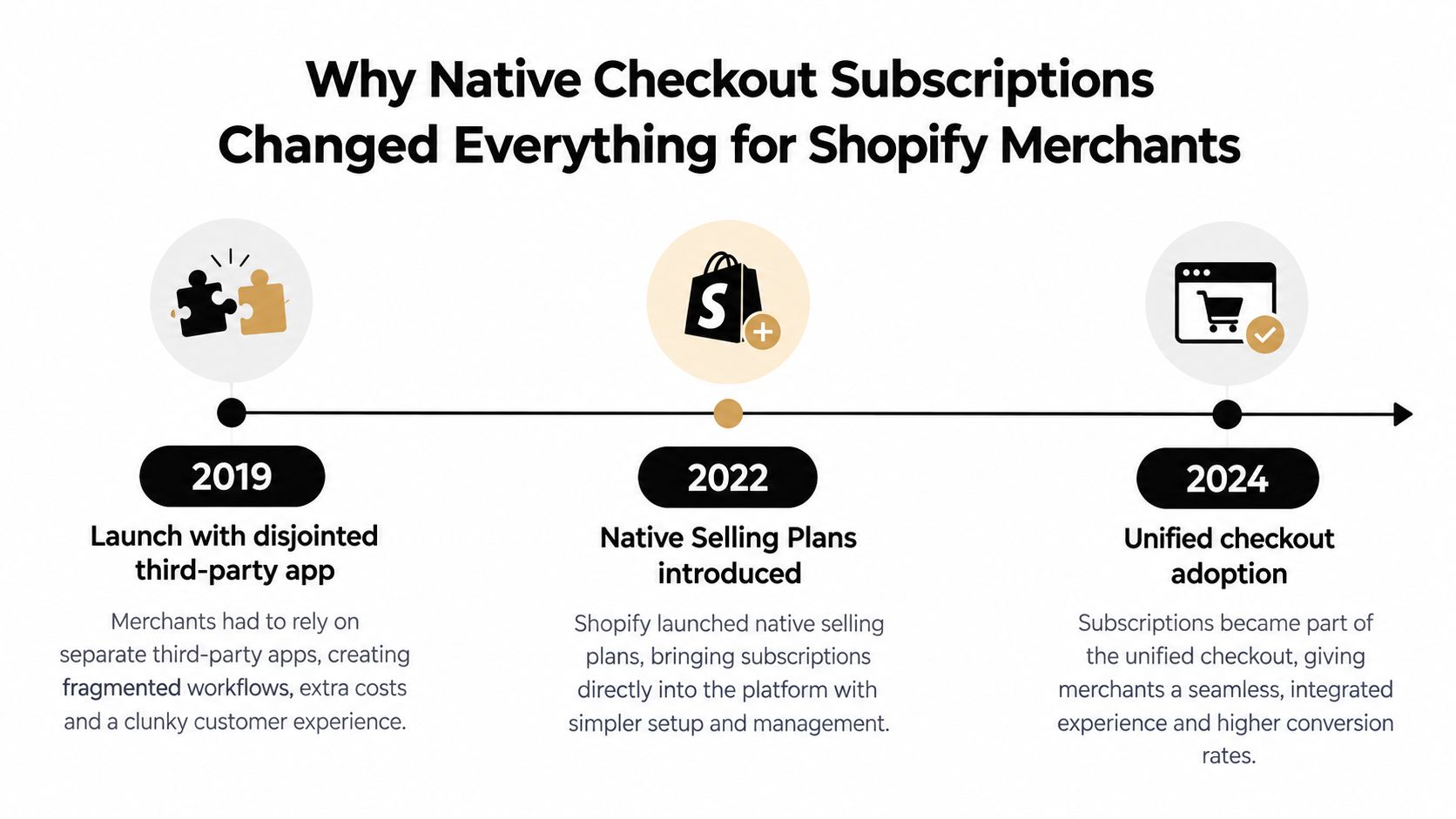
Shopify announced that subscriptions and post-purchase upsell apps were fully integrated into Shopify Checkout on November 2, 2020, introducing subscription APIs and app extensions that allowed merchants to sell subscription products directly inside checkout rather than redirecting shoppers to separate subscription flows. Shopify's subscription customer experience documentation explains that selling-plan products purchased through checkout automatically create subscription contracts.
The operational change behind the technical release
Native checkout gave subscriptions a place inside Shopify's existing commerce model. Customers see the delivery frequency beneath the relevant subscription line item and explicitly agree to recurring charges at payment. Merchants can view subscription information in customer profiles, including the next scheduled order, alongside regular order history.
That connection matters for teams. A support agent doesn't need to reconstruct a customer's relationship from a separate billing database. An operator can identify which order belongs to a recurring agreement. A finance team can filter sales reporting by purchase option instead of manually combining exports.
Practical rule: Treat checkout consent, the subscription contract, and recurring-order reporting as one operating system, not three unrelated features.
Shopify's native subscription architecture compared with app-based flows is most valuable when the store has multiple teams touching the customer journey. A marketing manager can promote a plan, a developer can inspect the selling-plan implementation, and customer support can manage the subscriber relationship through Shopify-connected records.
The native model doesn't eliminate app decisions. You still need to choose plan logic, customer-portal behavior, recovery rules, and migration methods. It does establish a more reliable foundation, because the first transaction and its recurring agreement originate within the same checkout and admin environment.
Setting Up Subscription Plans and Anchor-Date Billing in Shopify Checkout
A production-ready setup starts with the commercial rule, not the widget. Decide whether the offer is pay-as-you-go, prepaid, membership-based, or a Build-a-Box experience. Then define the billing interval, discount behavior, fulfillment timing, cancellation terms, and customer controls before attaching the plan to a product.
Configure the selling plan
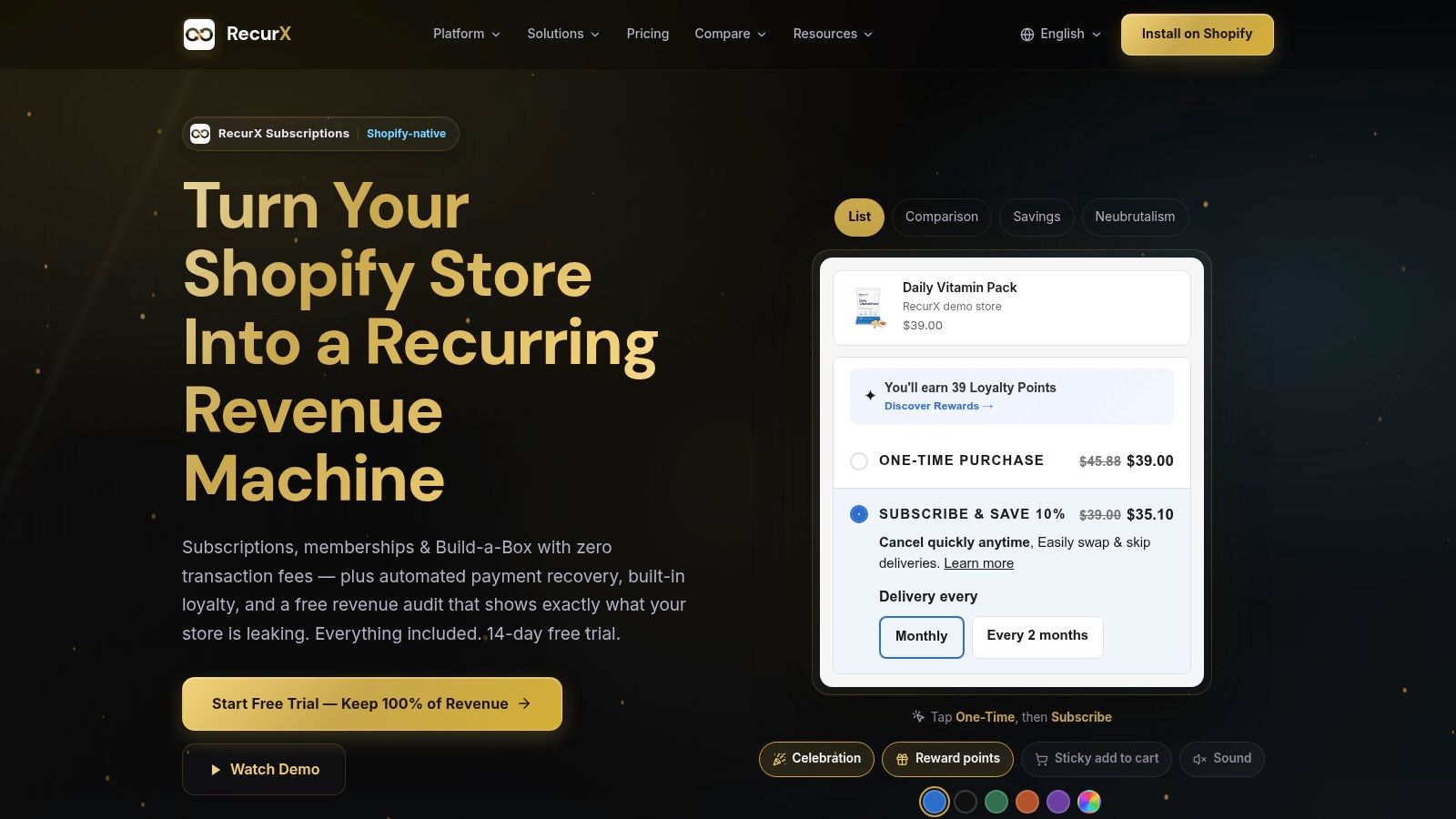
Install a Shopify-native subscription app, select the products eligible for recurring purchase, and attach a selling plan to each product line item. Configure the cadence and discount structure in the app, then inspect the resulting product form and cart payload rather than assuming the plan has been applied because a widget is visible.
The selling plan must travel with the line item into checkout. If the product page displays “Subscribe” but the cart contains an ordinary one-time line item, the customer won't receive the intended contract behavior. Test both the selected plan and the fallback one-time purchase path.
Tiered incentives need particular care. A discount that changes after a defined number of orders should be communicated clearly, including what happens if the customer pauses, skips, swaps, or changes frequency. For implementation patterns, see this guide to tiered subscription discounts in Shopify.
Use anchor dates deliberately
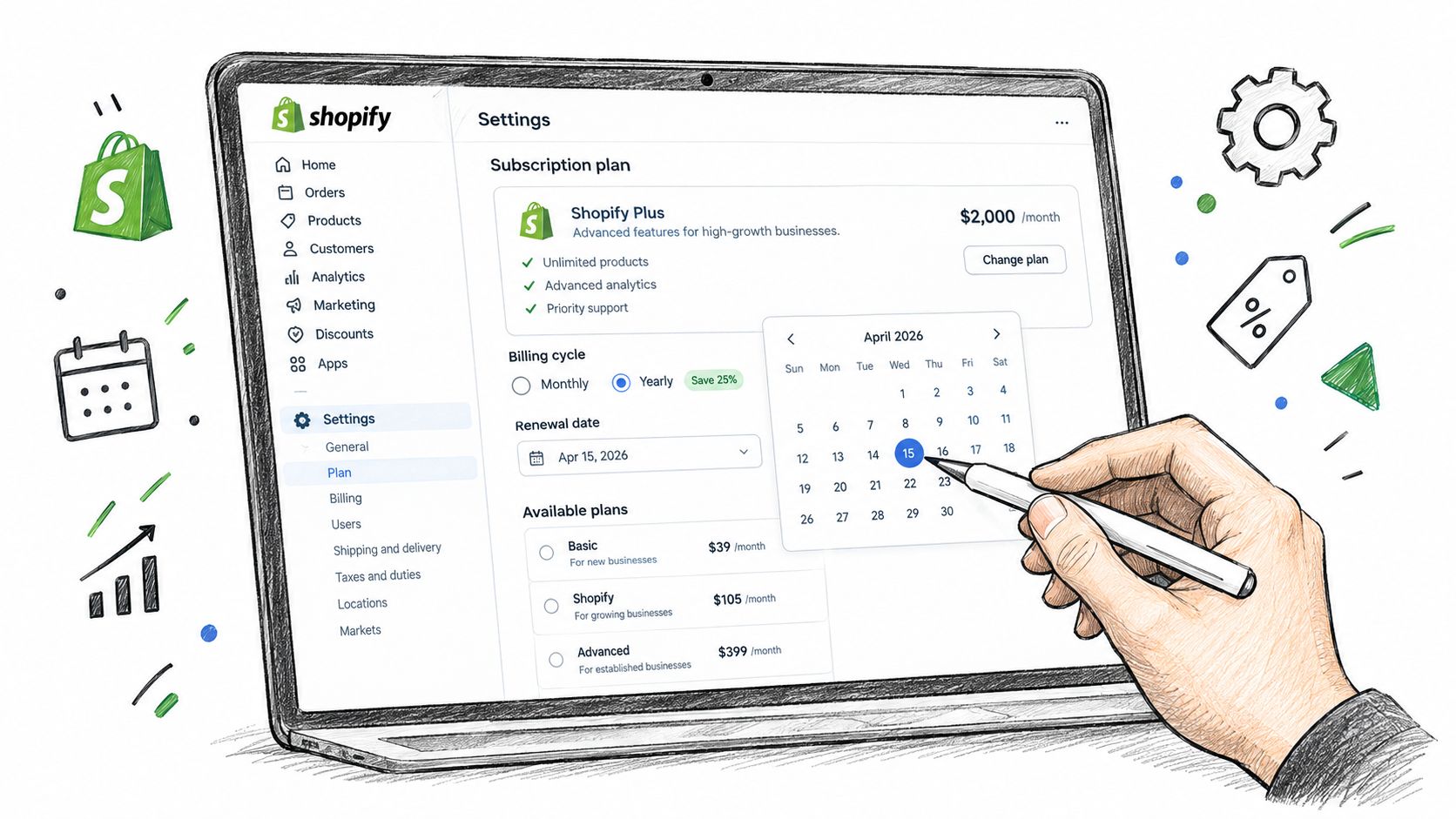
Interval billing and anchor-date billing solve different problems. An interval can charge a customer after each defined period, while an anchor date aligns future charges to a chosen calendar date. Anchor dates can simplify warehouse planning and make recurring deliveries easier for customers to anticipate, but they can also create proration, first-cycle, or partial-period questions.
Document the rule in plain language. Specify the first charge, the next scheduled charge, delivery timing, and how the store handles a purchase made close to the anchor date. Don't let the checkout disclosure imply a cadence that differs from the contract logic.
Shopify requires the checkout to communicate recurring-charge consent. Verify that the payment step makes the agreement visible and that the customer understands automatic charges until cancellation. The Shopify subscription considerations also identifies unclear contracts and stale contracts as prohibited patterns for subscription APIs.
The widget presentation affects comprehension. Choose a storefront template that matches the theme, keeps the recurring price distinct from the one-time price, and maintains readable contrast on mobile. A visually polished selector that hides frequency, savings, or renewal terms will create more confusion than a simpler component with transparent copy.
Before launch, complete a real checkout with a selling-plan product. Confirm that the selected cadence remains visible from product page to cart to payment, that the consent language appears at the final step, and that the customer receives confirmation reflecting the recurring arrangement.
Understanding Subscription Contracts, Quantity Mapping, and Reporting Visibility
A successful payment is not the end of the implementation. It creates a subscription relationship that downstream systems must interpret correctly.
When a customer purchases a selling-plan product through Shopify checkout, Shopify automatically creates a detached subscription contract. That contract preserves the agreement made at checkout, so later changes to the original selling plan don't retroactively rewrite existing subscriber terms. This is useful operationally, but it means a plan edit won't automatically update every current subscriber.
Map quantity according to the billing policy
The most dangerous integration errors often appear in fulfillment or ERP logic. A subscription can appear as a single line item in checkout while the corresponding order line-item quantity reflects the interval count.
A three-month coffee subscription, for example, checks out as quantity 1 but appears with quantity 3 on the order. That is not a contradiction. Checkout records the purchased subscription arrangement, while the order quantity reflects the billing-policy interval used for fulfillment and downstream processing.
Your systems need to distinguish at least these concepts:
- Checkout quantity: The quantity the customer accepted in the subscription purchase.
- Contract cadence: The frequency and terms governing future billing.
- Order quantity: The interval-aware quantity that may drive fulfillment.
- Inventory interpretation: The actual product units the warehouse must allocate.
- Revenue treatment: The logic finance uses for the order and its delivery period.
If the ERP treats the order quantity as the number of subscription contracts, it can overstate subscriber counts. If fulfillment treats checkout quantity as the full shipment quantity, it can under-ship. Build an explicit mapping layer and test multi-period plans before the first live order.
Make recurring revenue visible
Shopify makes subscription data available in sales reports. Merchants can add the Subscription or one-time dimension or filter, or use the Purchase option filter or column to separate recurring sales from ordinary purchases.
That visibility is more useful than a dashboard that only reports total revenue. It lets teams compare purchase types, investigate plan performance, and reconcile recurring orders against customer and contract records. The customer profile also shows subscription details, including the next scheduled order, and provides a path to the related order or subscription.
Contract clarity remains a compliance and trust issue. The customer should understand the product, frequency, price, renewal behavior, and cancellation path before clicking the payment button. Don't rely on a generic “recurring” label if the actual interval or future charge behavior is more complex.
For developers working across Shopify data sources, Shopify subscription API integration guidance is a useful implementation reference. The important principle is straightforward: store the contract as the source of truth, and don't infer subscription state from a product title or a marketing badge.
Testing Your Subscription Flow Before Launch
Subscription testing needs more than one successful test order. The flow includes storefront selection, cart data, checkout consent, contract creation, future billing, fulfillment interpretation, customer self-service, and payment recovery. A launch can pass the happy path and still fail when a customer changes frequency or a card is declined.
Create test selling plans that mirror your intended production cadence. Test one-time and subscription purchases separately, then combine subscription items with ordinary products if your store permits mixed carts. Check the result in Shopify admin, including the order, customer record, selling plan, and resulting contract.
Test dates, consent, and devices
Use a controlled test date near the intended anchor date and another outside that window. Verify the next-bill date, delivery expectation, displayed frequency, and any first-cycle adjustment. Check whether changing the anchor date affects only new subscribers or also existing contracts, because detached contracts should preserve the agreement already made.
Review checkout on desktop and mobile. The subscription disclosure must remain visible without requiring unusual scrolling or interaction. Confirm that the final payment action communicates automatic recurring charges and that confirmation emails repeat the relevant terms accurately.
Force failure states
A payment-recovery workflow isn't tested until you trigger it. Use the app's supported test decline methods to simulate a failed renewal, then verify the retry schedule, dunning message, card-update link, subscription status, and internal notification. Check email, SMS, and WhatsApp delivery separately if those channels are enabled.
Test both a temporary failure and a customer-action failure. The first should follow a retry path without prematurely canceling the contract. The second should present a clear route to update payment details and explain what happens if the customer takes no action.
Also test the customer portal end to end. Pause, skip, swap, frequency changes, and payment updates should alter the contract and future order behavior, not merely update a display label.
Validate campaign entry points
Generate a quick-checkout link with the product and selling plan preselected. Open it in a clean browser session, confirm the intended plan reaches checkout, and check that tracking parameters survive the journey. For offline campaigns, scan the QR code from more than one device and confirm that it doesn't depend on a logged-in customer session.
Document each test with the expected result, actual result, and responsible owner. Launch only after development, operations, support, and finance have signed off on the cases that affect their work.
Comparing Native Checkout Subscriptions Against Legacy Third-Party Apps
Migration decisions shouldn't be based on feature count alone. A legacy platform may have mature workflows that your team depends on, while a native Shopify implementation may reduce system boundaries and make future maintenance simpler. Compare the operating model, not just the installation screen.
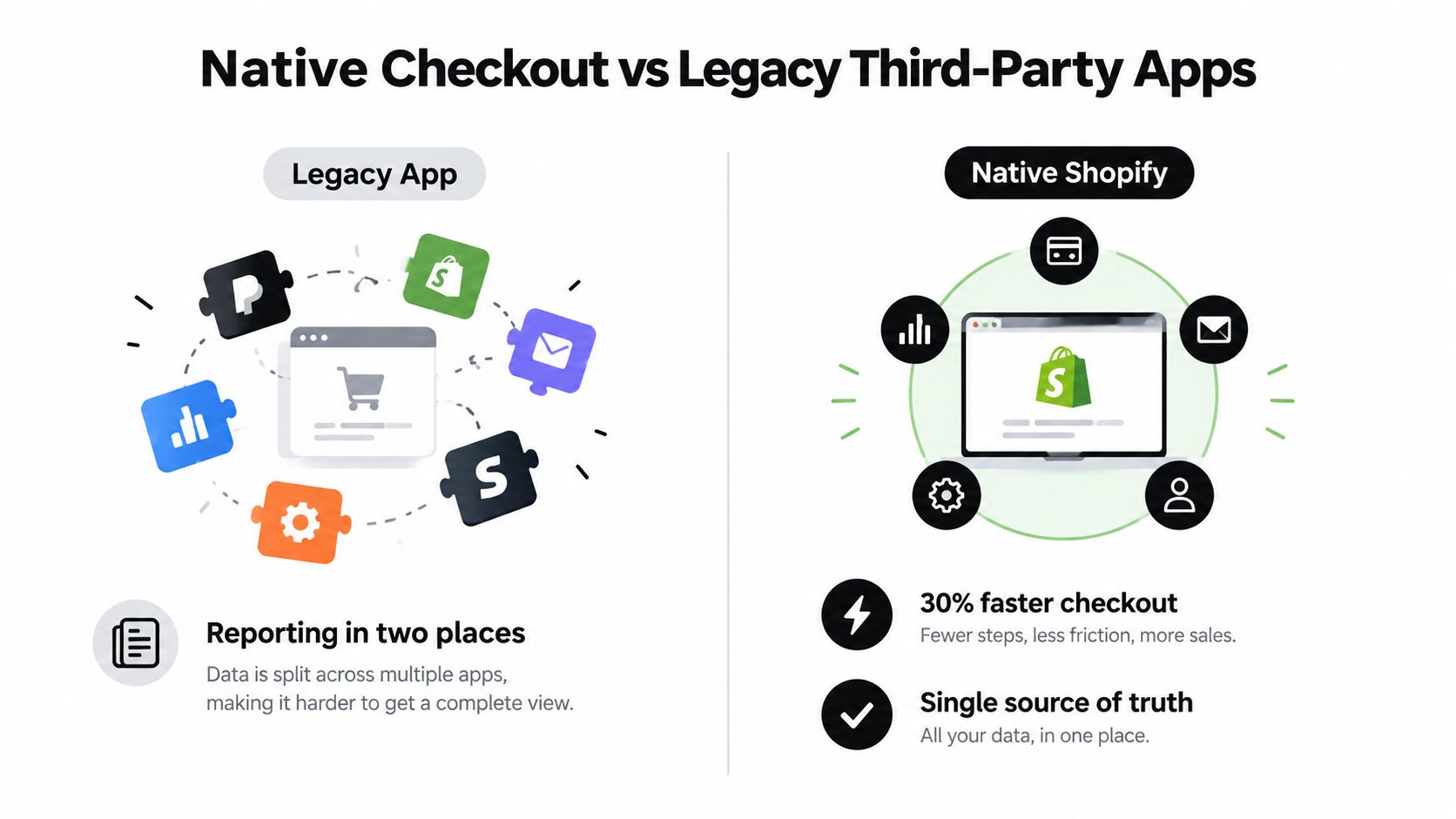
| Decision area | Native Shopify checkout approach | Legacy third-party approach |
|---|---|---|
| Checkout ownership | Subscription line items and consent operate inside Shopify Checkout. | The experience may depend on additional storefront and billing layers. |
| Reporting | Subscription dimensions and purchase-option filters are available in Shopify sales reports. | Teams may need to reconcile Shopify data with a separate subscription dashboard. |
| Customer management | Contract and subscription details can appear alongside customer records. | Customer context may be split between platforms. |
| Migration | Supported connectors or CSV processes can move plans and customer data, subject to token support. | Existing workflows may be familiar, but platform-specific dependencies remain. |
| Maintenance | Native Shopify patterns reduce reliance on custom checkout workarounds. | Customizations can require separate testing whenever Shopify or the app changes. |
| Recovery and retention | Capabilities depend on the selected app and its Shopify integration. | Mature recovery tools may exist, but they can involve separate configuration and billing. |
RecurX is one Shopify-native option that provides subscription plans, customer-portal controls, payment recovery, analytics, loyalty features, and migration utilities for platforms including Recharge, Bold, Skio, and Loop. Its stated model includes zero transaction fees on all plans, including the free tier, plus a native Shopify interface using Polaris and App Bridge patterns.
Plan the migration around contracts, tokens, and customer trust
A migration isn't complete when products appear in the new app. You need to map active plans, future billing dates, discounts, prepaid commitments, customer permissions, payment tokens, and historical reporting. Token migration depends on the source platform and its available support, so don't promise uninterrupted recurring billing until the payment method path has been verified.
Run the old and new logic in a controlled environment where possible. Freeze unnecessary plan changes during the cutover, export a reconciliation snapshot, notify customers only when their action is required, and retain a rollback plan for contracts that don't map cleanly.
The strongest reason to move is usually operational clarity. If your team has to combine reports, explain inconsistent portal behavior, or maintain checkout workarounds, a native approach may reduce that burden. If a legacy platform provides a critical workflow that the native stack can't reproduce, migration may create more risk than value.
Post-Launch Operations, Payment Recovery, Loyalty Stacking, and Analytics
Launch creates a recurring operating responsibility. The team must monitor failed renewals, customer changes, plan performance, and fulfillment exceptions as actively as it monitors acquisition.
Start with payment recovery. Configure decline-aware retry windows and dunning sequences that distinguish between a temporary authorization problem and a customer who needs to update a card. Send useful messages through the channels your customers already respond to, such as email, SMS, or WhatsApp, and include a direct payment-update path rather than sending customers through a maze of account pages.
Recovery principle: A failed renewal is an operational event first, and a cancellation decision only after recovery options have been exhausted.
Loyalty can support retention when it reinforces the subscription rather than obscuring its economics. Award points for renewals, create VIP tiers, add milestone bonuses, and redeem rewards as store credit. Model the reward cost against plan margin, especially when discounts already apply. A loyalty offer should give customers a reason to continue without making the recurring price or terms difficult to understand.
Build a reporting loop
Track recurring performance in Shopify's sales reports using the subscription and purchase-option distinctions described earlier. Then add operational views for:
- Churn reason: Separate payment failure, product dissatisfaction, timing, price, and service issues.
- Contract health: Monitor active, paused, skipped, and canceled relationships.
- Cohort retention: Compare subscriber groups by acquisition source, product, plan, or start period.
- Funnel behavior: Review the path from product-page selection through checkout and post-purchase management.
- Support workload: Identify which portal actions still generate avoidable tickets.
Use customer tags based on subscription status, plan tier, or behavior to trigger Shopify Flow automations and segmented lifecycle messages. Review the data with marketing, operations, finance, and support together. A subscription program becomes durable when checkout, recovery, loyalty, fulfillment, and reporting describe the same customer relationship.
RecurX provides Shopify-native subscription checkout, selling plans, customer-portal controls, payment recovery, loyalty, analytics, quick checkout links, and migration tools for supported platforms. Visit RecurX to review the implementation options and test the setup against your store's billing, reporting, and migration requirements.
shopify subscription checkout · subscription checkout · shopify subscriptions · recurring billing · shopify plus
Keep reading
- QR Code Checkout System: The Omnichannel Growth PlaybookMaster the QR code checkout system for subscriptions. Learn benefits, Shopify integration, and how to drive recurring revenue with RecurX.
- Best Subscribe and Save Strategies for ShopifyDiscover the best subscribe and save strategies for Shopify. Compare native app features, fee structures, and retention tactics to maximize recurring revenue.
- Subscription Pay as You Go: A Shopify GuideLearn how subscription pay as you go works for Shopify stores. This guide covers pricing, benefits, and tips to boost your revenue.
Start growing recurring revenue on Shopify
RecurX has a 14-day free trial and zero transaction fees on every plan. Install in minutes.
Start your free trial →